AI Video Script Generator Guide
Stella writes SwipeStory guides about AI faceless video creation, short-form video strategy, creator tools, and automated publishing workflows.
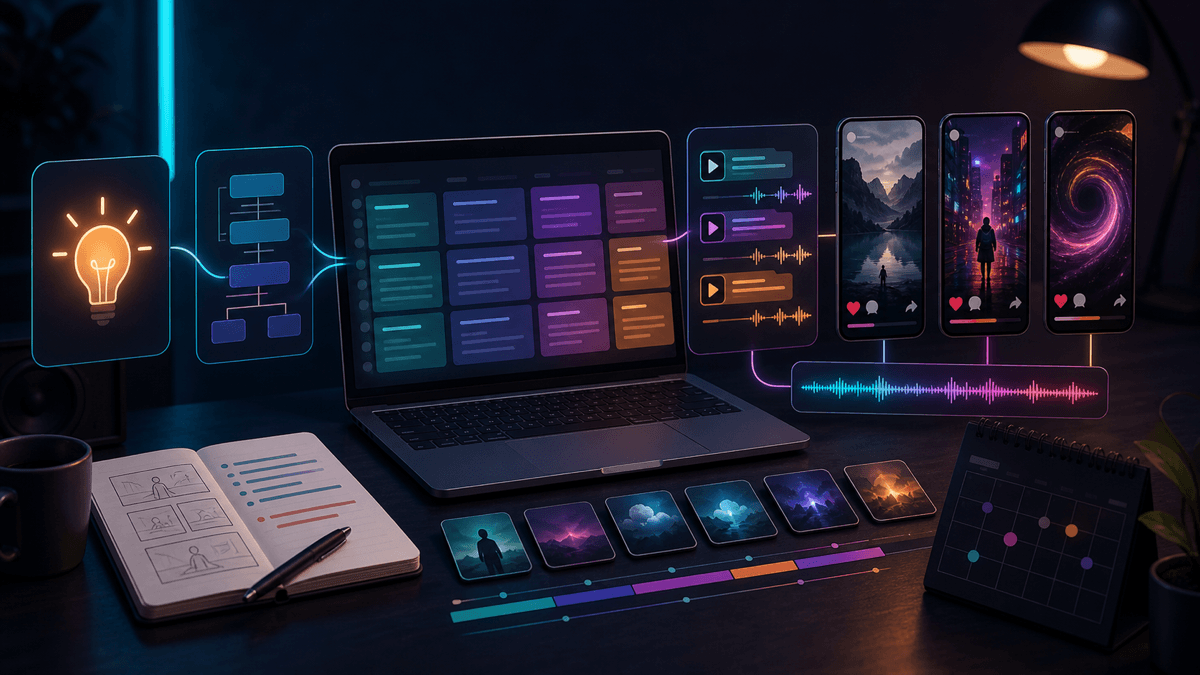
An AI video script generator is useful when it gives you a script that can actually become a short video: a sharp hook, one clear promise, timed beats, visual direction, caption-friendly phrasing, and a CTA that fits the platform. If you want to turn the script into a finished vertical draft, start with SwipeStory's Script to Video AI. If you only have a rough idea, use Prompt to Video first.
Updated May 20, 2026. We checked current OpenAI prompting guidance, YouTube Shorts format rules, TikTok Creative Codes, Instagram Reels specs, YouTube synthetic-content guidance, and SwipeStory tool pages before writing this guide.
Short Answer: What Should an AI Video Script Generator Produce?
A good AI video script generator should produce more than narration. It should create a production-ready short-form brief.
| Script output | What it should do | Weak version to avoid |
|---|---|---|
| Hook | Make the viewer understand why to keep watching in the first 1-2 seconds | "Today we are going to talk about..." |
| Promise | Name the payoff in one sentence | A vague topic with no viewer benefit |
| Beat structure | Break the idea into short visual moments | One long paragraph of voiceover |
| Visual direction | Give each beat something to show | Generic "add cool visuals" notes |
| Caption rhythm | Keep lines short enough for mobile reading | Full sentences stacked on screen |
| CTA | Ask for one relevant action | A generic "like and follow" ending |
OpenAI's current prompt guidance says prompts should be clear, specific, and contextual, then refined after reviewing the result. That applies directly to scripts. A prompt like "write a viral TikTok" leaves the model guessing. A prompt that names the audience, platform, angle, length, tone, and beat structure gives the script generator enough constraints to produce something you can edit.
The best test is simple: can you paste the script into a video workflow without rewriting every line? If not, the generator produced a draft idea, not a usable short video script.
Start With the Platform Format
Script quality depends on the final container. YouTube, TikTok, and Reels all reward clarity, but the script needs to fit vertical mobile viewing before it can perform.
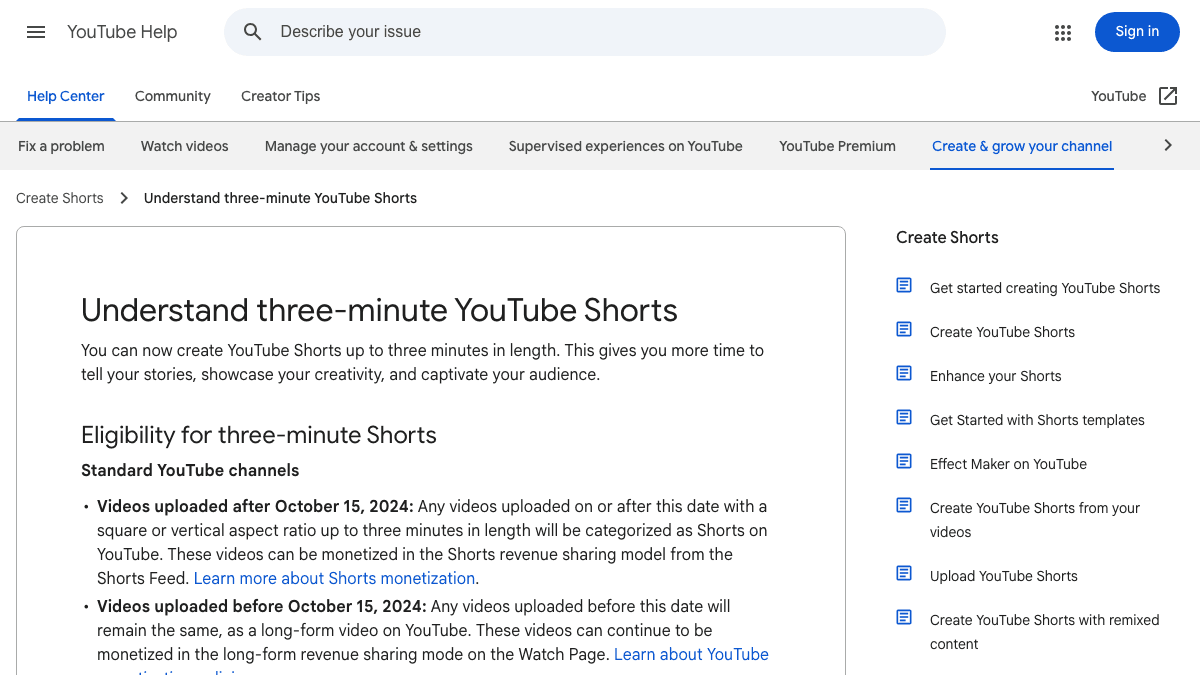
YouTube Help currently says Shorts can be up to three minutes long, and videos uploaded on or after October 15, 2024 with square or vertical aspect ratio up to three minutes can be categorized as Shorts. The same page notes that Shorts over one minute with active Content ID claims can be blocked globally. For most AI-generated scripts, the safer default is still 20-60 seconds unless the idea truly needs a longer story arc.
TikTok Creative Codes gives a useful structure for scripts even when you are not making an ad. TikTok recommends vertical 9:16 framing, high-resolution footage of 720p or higher, safe space for the TikTok interface, and a hook, body, close structure. For scriptwriting, that means every line should have a job:
- Hook: create curiosity, tension, surprise, or emotion.
- Body: deliver the point without drifting into a lecture.
- Close: tell the viewer what to do with the takeaway.
Instagram's current Reels help page allows aspect ratios from 1.91:1 to 9:16 and recommends at least 30 FPS and 720 pixels. In practice, if you want one script that can become a Short, TikTok, and Reel, write for a 9:16 vertical edit with short caption lines and visual beats that do not depend on tiny interface details.
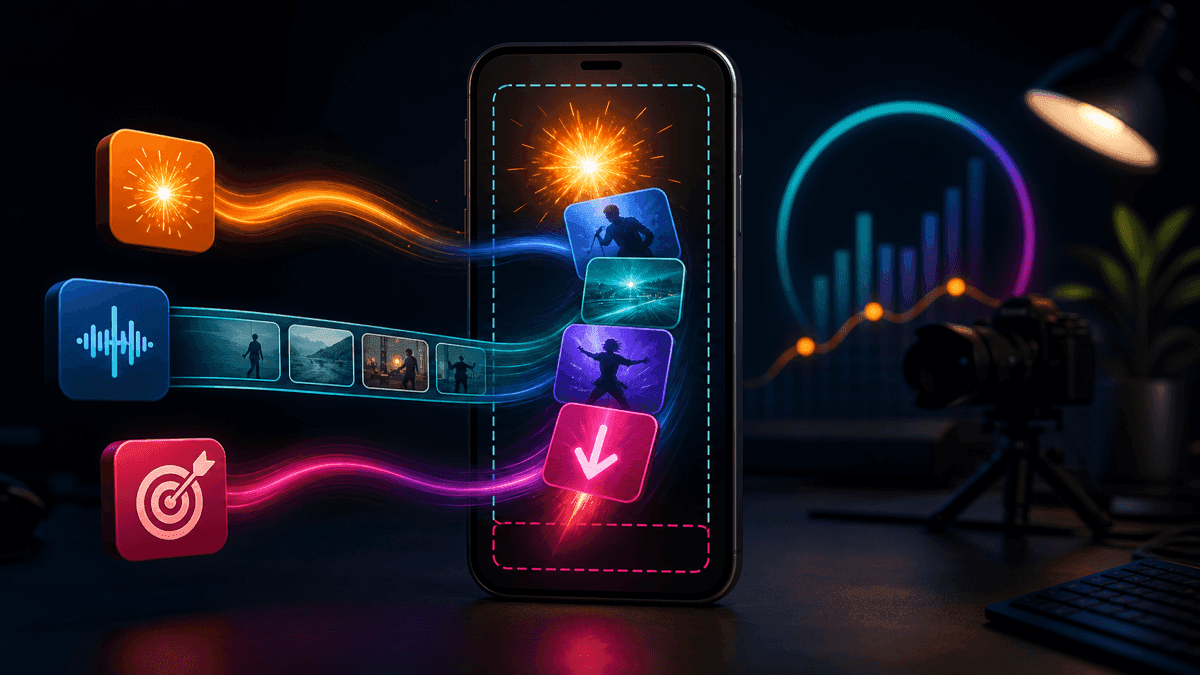
This is where many generic script tools fail. They write a monologue. A short video needs a sequence.
Use This AI Video Script Generator Prompt
Use this prompt when you want a first draft that is ready for SwipeStory's Script to Video AI, an editor, or a voiceover workflow:
Act as a short-form video scriptwriter.

Platform: [TikTok / YouTube Shorts / Instagram Reels / cross-platform]
Audience: [specific viewer]
Topic: [specific topic]
Viewer problem: [what they are stuck on]
Promise: [what they will understand or be able to do by the end]
Length: [20-60 seconds]
Tone: [clear, curious, direct, story-led, etc.]
Style: [faceless educational, story, listicle, demo, UGC-style, etc.]

Return:
1. Three hook options under 12 words each.
2. One final script with timed beats.
3. A visual direction for each beat.
4. Caption notes with short mobile-readable lines.
5. One CTA that fits the viewer's intent.
6. A brief revision note explaining the weakest part of the script.
Here is a filled version:
Platform: YouTube Shorts
Audience: creators starting a faceless education channel
Topic: why most AI-generated Shorts feel generic
Viewer problem: they generate videos but viewers leave early
Promise: show the script structure that makes a draft easier to watch
Length: 35 seconds
Tone: direct and practical
Style: faceless educational
The strongest generated script will usually have one idea, not five. If the topic is "AI video mistakes," do not ask for every mistake. Ask for one mistake, one example, and one better version. That is easier to watch and easier to turn into visuals.
Score the Script Before You Generate the Video
Before you render anything, score the script. This saves credits, editing time, and failed exports.
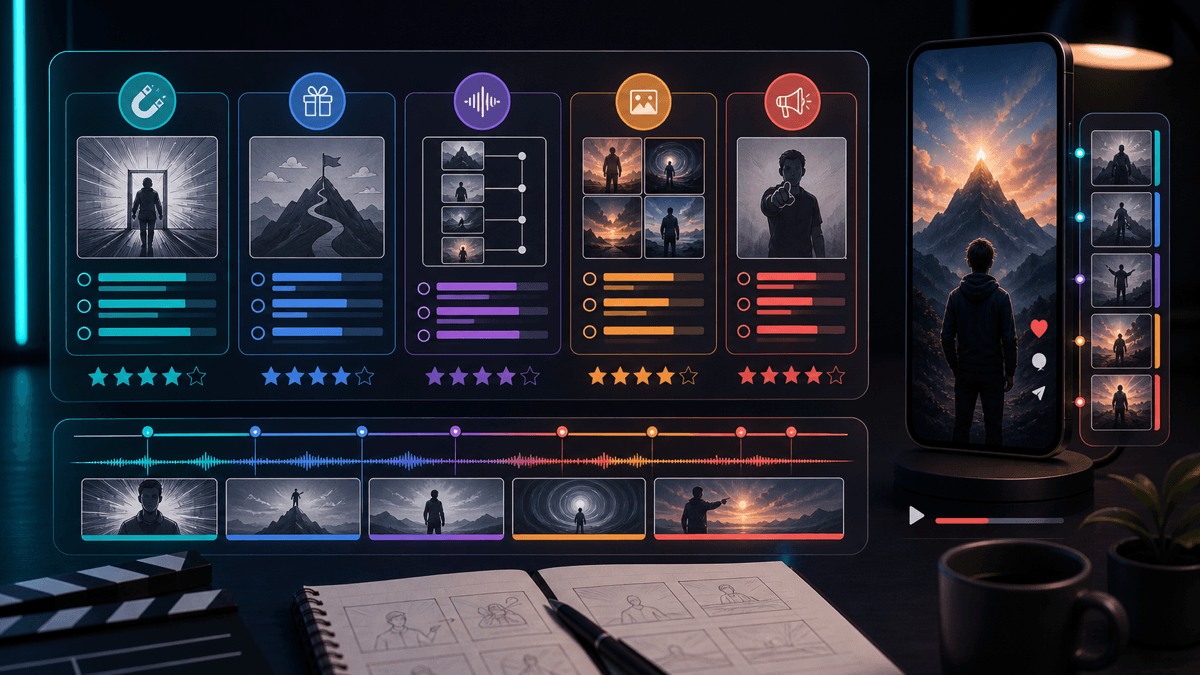
Use this checklist:
| Score area | Pass condition |
|---|---|
| Hook | The first sentence creates a reason to keep watching immediately |
| Specificity | The script names a viewer, situation, mistake, or desired outcome |
| Beat flow | Each line moves the idea forward instead of repeating the same point |
| Visual nouns | The script includes objects, actions, scenes, or examples the video can show |
| Caption rhythm | Lines are short enough to read on a phone without pausing |
| Claim safety | Factual claims are sourced or softened when uncertain |
| CTA fit | The ending matches the viewer's intent and does not feel pasted on |
If a script scores poorly, revise the prompt before changing the visual style. Most weak AI videos are not weak because the background is wrong. They are weak because the script gives the generator nothing concrete to show.
Five Script Patterns That Work Well With AI Video
These patterns are easier for AI video tools because they create natural scene breaks.
1. Problem, Cause, Fix
Hook: "Your Short is losing viewers before the point starts."
Beat 1: Name the slow opening.
Beat 2: Show why it feels slow.
Beat 3: Replace it with a direct promise.
Beat 4: Give one template.
Close: "Use this before your next draft."
Use this for education, creator tips, productivity, fitness, and SaaS explainers.
2. Myth, Reality, Example
Hook: "The three-second rule is not the whole story."
Beat 1: Name the myth.
Beat 2: Explain what actually matters.
Beat 3: Show a weak line.
Beat 4: Show a stronger line.
Close: "Save the stronger version."
Use this when your audience has heard a common shortcut that needs nuance.
3. Story, Turn, Lesson
Hook: "This channel failed for 30 days, then one format changed everything."
Beat 1: Start with the tension.
Beat 2: Show the failed approach.
Beat 3: Reveal the change.
Beat 4: Name the lesson.
Close: "Try the format before changing niches."
Use this for faceless story channels, founder lessons, case studies, and creator retrospectives.
4. List With a Filter
Hook: "Three faceless video ideas that do not need filming."
Beat 1: Idea one plus why it works.
Beat 2: Idea two plus who it fits.
Beat 3: Idea three plus the easiest first script.
Close: "Pick one and make a 30-second test."
Use this with faceless YouTube channel ideas, niche lists, prompt libraries, and beginner education.
5. Before, After, Template
Hook: "This hook sounds informative, but it is too slow."
Beat 1: Show the weak version.
Beat 2: Explain the problem.
Beat 3: Show the stronger version.
Beat 4: Give the reusable formula.
Close: "Rewrite one opening line today."
Use this with TikTok hook examples, captions, scripts, titles, and product demos.
Where SwipeStory Fits in the Workflow
SwipeStory is strongest after you have a topic, prompt, or script and want the rest of the vertical-video workflow handled in one place. It turns prompts or scripts into vertical videos with AI-generated visuals, voiceovers, captions, background music, editing, rendering, and scheduled publishing for TikTok, YouTube Shorts, and Instagram Reels.
Use Script to Video AI when you already have approved narration. Use Prompt to Video when you want the AI to help expand the idea into a script first. Use the faceless AI video generator when the whole channel is built around narration, generated visuals, and repeatable formats.
If you are publishing for one platform first, start with the matching workflow:
- AI YouTube Shorts generator for search-friendly Shorts and repeatable education formats.
- AI TikTok video generator for hook-heavy, fast-moving videos.
- AI Reel generator for Instagram-first creators and brand pages.
If you need more inputs before generating, pair this guide with AI video prompts for Shorts, YouTube Shorts script templates, and TikTok hook examples. If you plan to publish a high-volume series, check pricing before building a schedule around credits.
Review Disclosure and Claims Before Publishing
AI-assisted scriptwriting is usually low-risk by itself. The risk rises when the generated video depicts realistic people, voices, places, public events, medical claims, financial claims, or news-like scenarios.
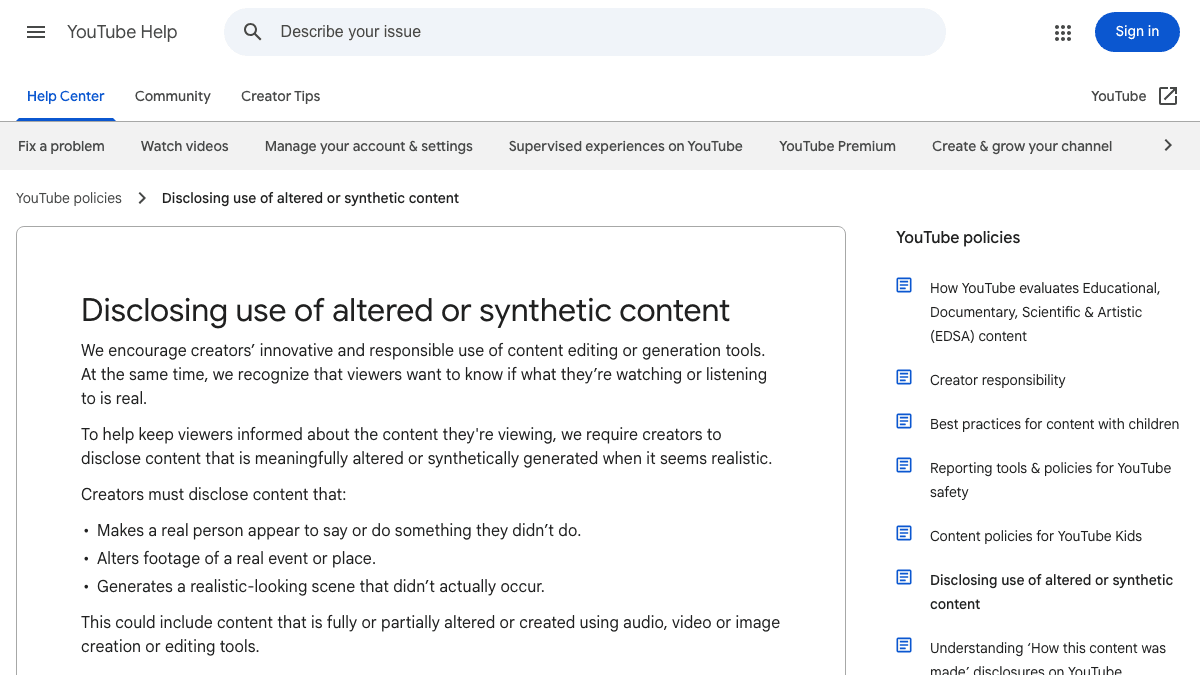
YouTube Help currently says creators must disclose meaningfully altered or synthetically generated content when it seems realistic. The page says disclosure is needed when content makes a real person appear to say or do something they did not, alters footage of a real event or place, or generates a realistic-looking scene that did not occur. It also lists production assistance, such as using AI to create or improve an outline, script, thumbnail, title, or infographic, as examples that do not require disclosure by themselves.
Use this review gate before publishing:
- Does the script make a factual claim that needs a source?
- Does the video imply a real person said or did something?
- Does the visual plan create a realistic event that never happened?
- Does the voiceover imitate someone else's voice?
- Does the title make the script sound like verified news when it is only commentary?
For faceless videos, the safest creative lane is original narration, clearly stylized visuals, careful sourcing, and no fake endorsements. An AI video script generator can help you draft faster. It should not remove judgment from the review step.
Common Mistakes With AI Video Script Generators
The biggest mistake is asking for volume before quality. Ten generic scripts are less useful than one specific script with three hook variations. Generate multiple openings, then choose the strongest one before building the body.
Another common mistake is writing only for the voiceover. Short-form video is visual. A script line like "this is important" gives the video almost nothing to show. A line like "your first caption appears after the viewer has already decided to scroll" gives the video a concrete moment.
Creators also overpack scripts. A 40-second video cannot hold seven tips, a personal story, a product pitch, and a disclaimer. Pick one job. If the idea needs more, make a series.
Finally, many scripts end with a CTA that does not match the viewer. If the video teaches a template, ask the viewer to save it or try it. If the video compares tools, send the viewer to the relevant tool page. If the video is part one of a series, ask for the next topic.
Frequently Asked Questions
What is an AI video script generator?
An AI video script generator is a tool or prompt workflow that turns a topic, idea, product angle, or source text into a video script. For short-form content, the best output includes a hook, timed beats, visual direction, captions, and a CTA.
Can ChatGPT write short video scripts?
Yes. ChatGPT can write strong short video scripts when the prompt includes the audience, platform, length, angle, tone, and output format. The script still needs human review for accuracy, pacing, and platform fit.
How long should a short video script be?
For most TikToks, Shorts, and Reels, start with 20-60 seconds. YouTube supports longer Shorts, but longer scripts need stronger structure, cleaner sourcing, and more editing discipline.
Should I generate scripts in bulk?
Generate hook variations in bulk, not full videos. Choose one strong angle, then create a video draft. Bulk generation works better after you have a proven format.
What is the fastest way to turn a script into a video?
Paste the final narration into SwipeStory's Script to Video AI, choose a voice and style, generate a draft, then review captions, visuals, claims, and CTA before scheduling or exporting.