YouTube Shorts Script Templates
Stella writes SwipeStory guides about AI faceless video creation, short-form video strategy, creator tools, and automated publishing workflows.
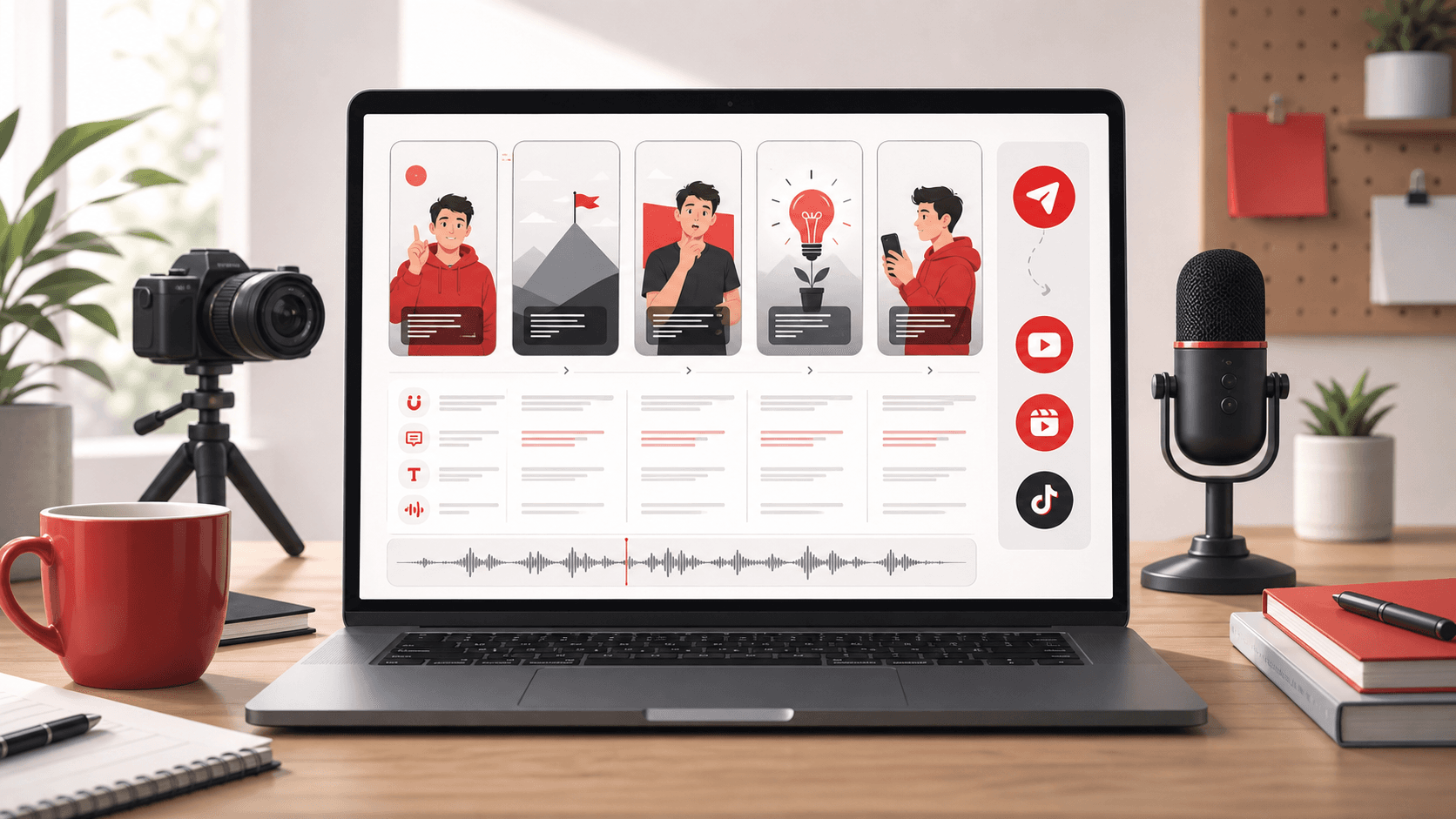
The best YouTube Shorts script templates all follow the same core pattern: hook fast, frame the problem, show proof, deliver the payoff, and close with one clear action. To use that structure at scale, take a proven template, swap in your niche and examples, then turn it into a finished vertical draft with SwipeStory's AI YouTube Shorts generator.
The mistake most creators make is looking for a "viral script" when they really need a reusable script system. A good Shorts script is not one perfect paragraph. It is a repeatable framework that fits a 20-60 second video, leaves room for scene changes, and gives the viewer a reason to keep watching until the payoff.
Quick Answer
Use this simple formula for most Shorts:
- Open with a tension-heavy first line.
- Tell the viewer what the Short is about in plain language.
- Introduce one proof point, example, or mistake.
- Pivot into the lesson, answer, or reveal.
- End with a CTA that matches the goal of the video.
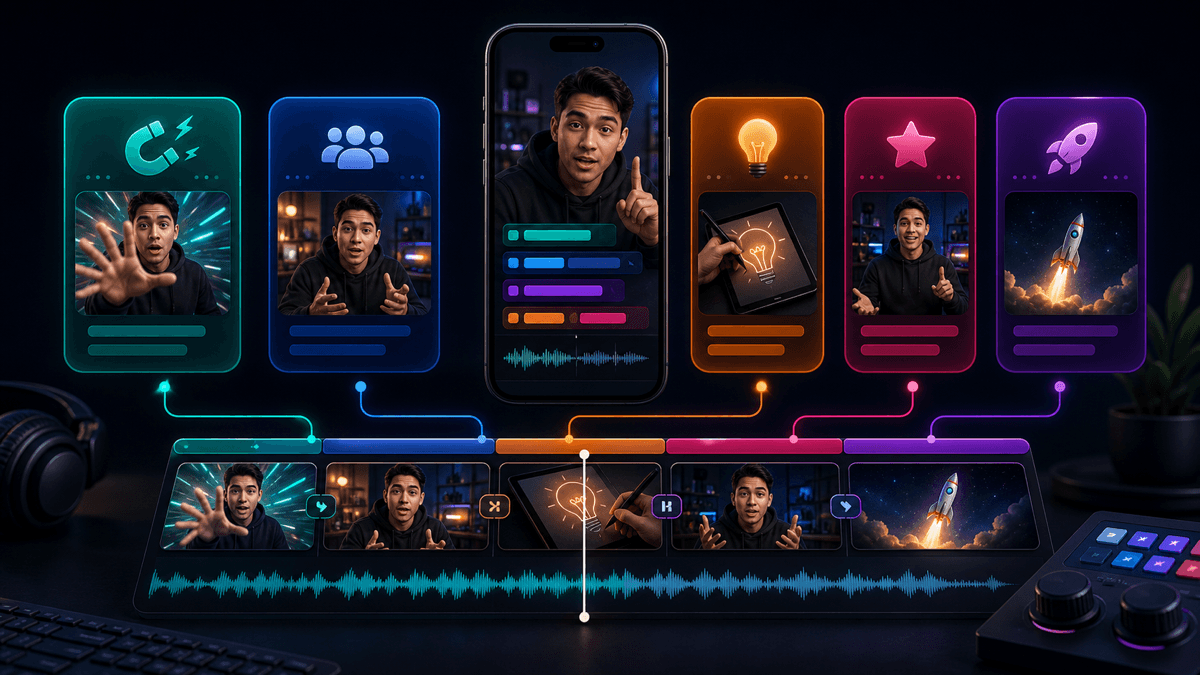
That structure works across educational Shorts, faceless story videos, product explainers, creator tips, and niche commentary. It also maps cleanly into an AI workflow because each beat can become its own scene, caption block, and visual prompt.
If you want a broader workflow before you start scripting, read our guide on how to make faceless videos with AI. If you are still deciding which tool stack fits your channel, our roundup of the best AI faceless video generators covers the main categories.
How to Use These YouTube Shorts Script Templates
Do not paste these scripts as-is and publish them word for word. Use them the way YouTube describes its own Shorts templates: as a framework you can recreate with your own clips, text, and structure. YouTube's official Shorts templates documentation says the framework can include the length and number of video clips plus elements like text, music, and effects. That is a strong clue for script writing too. The more structured your beats are, the easier it is to produce a repeatable Short.
When adapting a template:
- Replace every placeholder with a specific niche, problem, or example.
- Keep each spoken sentence tied to one visual beat.
- Cut background setup if it delays the hook.
- Decide early whether the goal is a save, a comment, a click, or a subscriber action.
- Write for speech, not for an article paragraph.
The cleanest process is:
- Pick one template below.
- Rewrite it with your exact topic.
- Paste the result into SwipeStory.
- Choose a visual style and voice.
- Render the first draft, then tighten the first two scenes and CTA.
Current YouTube Rules That Change How You Script Shorts
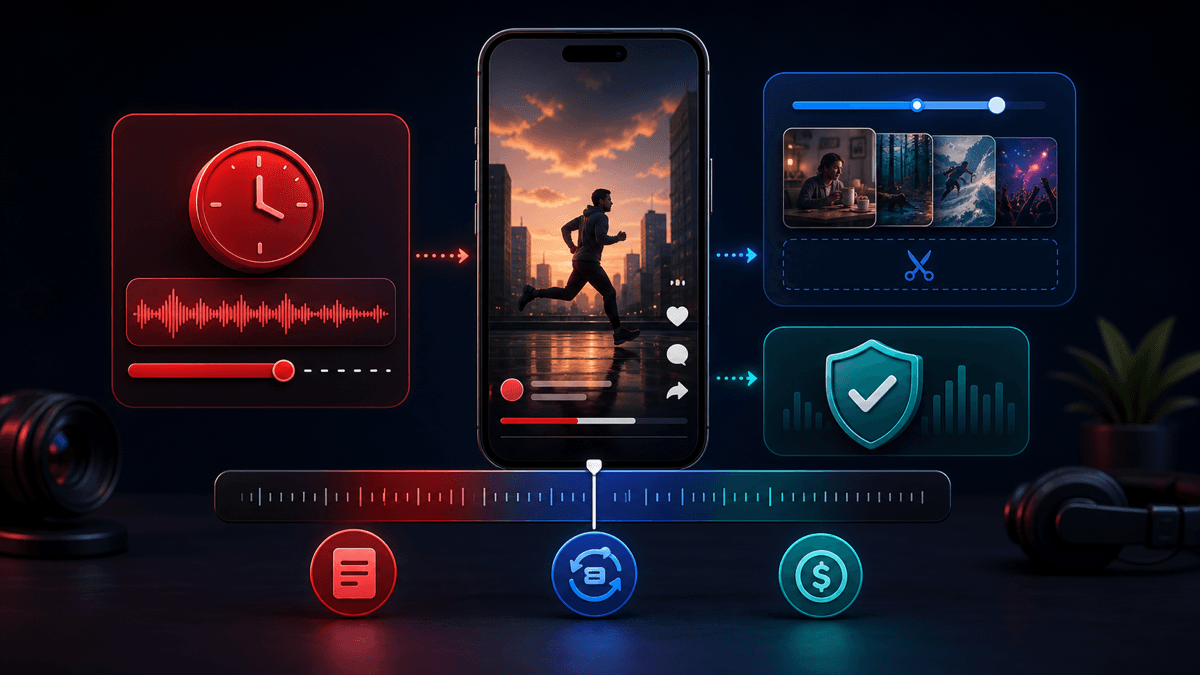
Creators still quote outdated one-minute advice, so it is worth being precise here. According to YouTube Help, vertical or square videos uploaded on or after October 15, 2024 can qualify as Shorts up to three minutes long. That does not mean every creation path gives you the full three minutes, though. YouTube's separate "Edit into a Short" documentation still says that when you remix your own uploaded long-form video, you can select up to 60 seconds from that source video. And YouTube's Shorts monetization help page says non-original Shorts and over-one-minute Shorts with claimed content can lose monetization eligibility.
For most creators, 20-60 seconds is still the safest default for template writing. You can go longer when the payoff needs it, but most scripts perform better when they are built around a fast first line and a visible turn before the halfway point.
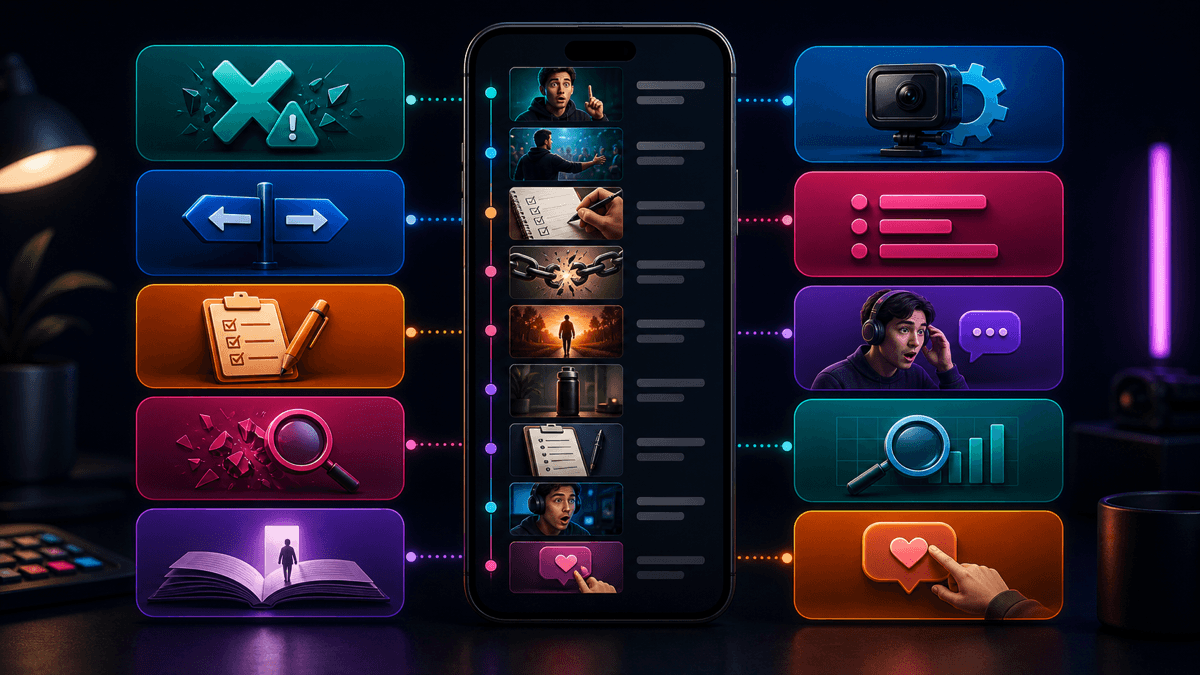
12 YouTube Shorts Script Templates You Can Adapt
Below are twelve practical templates grouped by what they are designed to do. They are short enough to adapt fast and structured enough to turn into a scene plan.
1. The Common Mistake Template
Best for: creator tips, business advice, fitness, education, software workflows
If your [Shorts / ads / workflow / channel] keeps [bad result], this is probably why.
Most people start by [common mistake].
That feels productive, but it kills [retention / clarity / conversions].
Do this instead: [better move].
If you want the exact setup I use, [CTA].
Why it works: the hook creates tension immediately, and the viewer stays for the correction.
2. The Contrarian Take Template
Best for: marketing, productivity, creator education, commentary
Everyone tells you to [popular advice], but that is exactly why most people fail.
The real problem is [actual issue].
Once you switch to [better principle], [better outcome] gets easier.
That one change is why [result].
Save this if you want more scripts like this.
Why it works: it creates curiosity without needing fake shock language.
3. The Step-By-Step Template
Best for: tutorials, AI workflows, monetization tips, creator systems
Here is the fastest way to [goal].
Step one: [first move].
Step two: [second move].
Step three: [third move].
That is the whole workflow, and it takes about [time].
If you want the tool stack, [CTA].
Why it works: the viewer knows there is a clear payoff coming, so the sequence is easy to follow.
4. The Myth-Busting Template
Best for: finance education, health explainers, YouTube advice, niche misconceptions
People think you need [assumption] to get [result].
You do not.
What actually matters is [real driver].
Here is the proof: [example].
The takeaway: [practical conclusion].
Why it works: it clears a belief gap quickly and naturally invites proof.
5. The Mini Story Template
Best for: faceless stories, Reddit-style channels, history, true-story explainers
This started like a normal [day / meeting / launch / post].
Then [twist] happened.
At first, everyone thought [wrong assumption].
But the real reason was [reveal].
That one detail changed everything.
Why it works: even a short narrative needs a turn, and this template gets there fast.
6. The Before-And-After Template
Best for: habit content, process changes, software tutorials, channel growth lessons
Before I changed this, my [videos / workflow / results] looked like this.
I kept doing [old behavior].
Then I switched to [new behavior].
Now [better outcome].
The difference was not more effort. It was [core insight].
Why it works: viewers instantly understand the contrast and stay for the transformation.
7. The List Template
Best for: hooks, prompts, tools, ideas, creator tips
Here are [number] [hooks / prompts / tools / ideas] that actually help with [goal].
Number one: [item].
Number two: [item].
Number three: [item].
If you want part two, comment [keyword].
Why it works: lists signal value fast and are easy to extend into series.
8. The Reaction Template
Best for: creator commentary, media analysis, product reviews, niche opinions
Everyone is celebrating this [video / feature / launch], but here is what they missed.
The obvious headline is [surface take].
What matters more is [deeper insight].
That is the part most viewers ignore.
And that is why this actually matters.
Why it works: the script introduces conflict while still giving a concrete conclusion.
9. The Tool Demo Template
Best for: AI tools, creator software, workflow breakdowns, platform explainers
I typed one prompt into [tool], and this is what happened.
First, I asked it to [prompt summary].
Then it generated [output].
The useful part was [specific benefit].
The weak part was [honest limitation].
If you want the exact prompt, [CTA].
Why it works: it is specific, visual, and honest enough to feel trustworthy.
10. The Niche Explainer Template
Best for: educational Shorts, finance, SaaS, science, creator strategy
Here is why [problem] keeps happening.
Most people blame [surface reason].
But the real cause is [deeper mechanism].
Once you see that, [better action] becomes obvious.
That is the part worth remembering.
Why it works: explainers work best when the viewer feels smarter by the end of the Short.
11. The Case-Study Recap Template
Best for: experiments, campaign reviews, channel lessons, product tests
We tested [change], and the result surprised us.
At the start, we expected [expected result].
Instead, [actual result] happened.
The reason was [cause].
So if you are trying to get [goal], start with [takeaway].
Why it works: it gives the viewer a reason to wait for the result before you explain it.
12. The Soft CTA Template
Best for: newsletter growth, template libraries, prompt distribution, product pages
If you want [resource], do not just scroll past this.
Use this framework: [short payoff].
Then swap in your own [topic / example / niche].
That is how you turn one script into a repeatable series.
Save this now so you can reuse it later.
Why it works: it drives action without sounding like a hard ad read.
Three Fully Written Example Shorts Scripts
Templates are useful, but most creators need to see what "finished enough" looks like. Here are three examples you can adapt immediately.
Example 1: Educational Shorts Script
If your YouTube Shorts keep losing viewers in the first three seconds, your opening line is probably too slow.
Most creators start with context when they should start with tension.
Instead of saying, "Today I want to talk about hooks," say, "This one script mistake kills more Shorts than bad editing."
That line gives the viewer a reason to stay.
If you want more retention-focused scripts, save this one.
Example 2: Faceless AI Workflow Script
Here is the fastest way I turn one idea into a full YouTube Short.
First, I write one sharp hook and one payoff.
Then I drop the script into SwipeStory, pick a visual style and AI voice, and let it build the first draft.
After that, I only fix the first scene and the CTA.
That is how I publish faster without starting from zero every time.
Example 3: Product / Offer Script
Most short-form ads fail because they sound like ads in the first sentence.
A better opening is to describe the problem your buyer already feels.
Then show the shift, not just the feature.
For example: "If writing every Short from scratch is slowing you down, use a repeatable script template and generate the draft from there."
That lands better because it starts with friction, not a product pitch.
How to Turn These Shorts Scripts Into Finished Videos Faster
Most "script template" posts stop at the copy. A useful template only saves time if the production workflow is equally repeatable. SwipeStory's current public AI YouTube Shorts generator page says the tool turns a written script into a polished vertical video with captions, visuals, pacing, and narration. The same public tool page shows a script input area with a 1200-character counter, and the current pricing page lists plans with credits, included series, and automated posting. A good script library is much more valuable when you can move straight from text to a platform-ready draft.
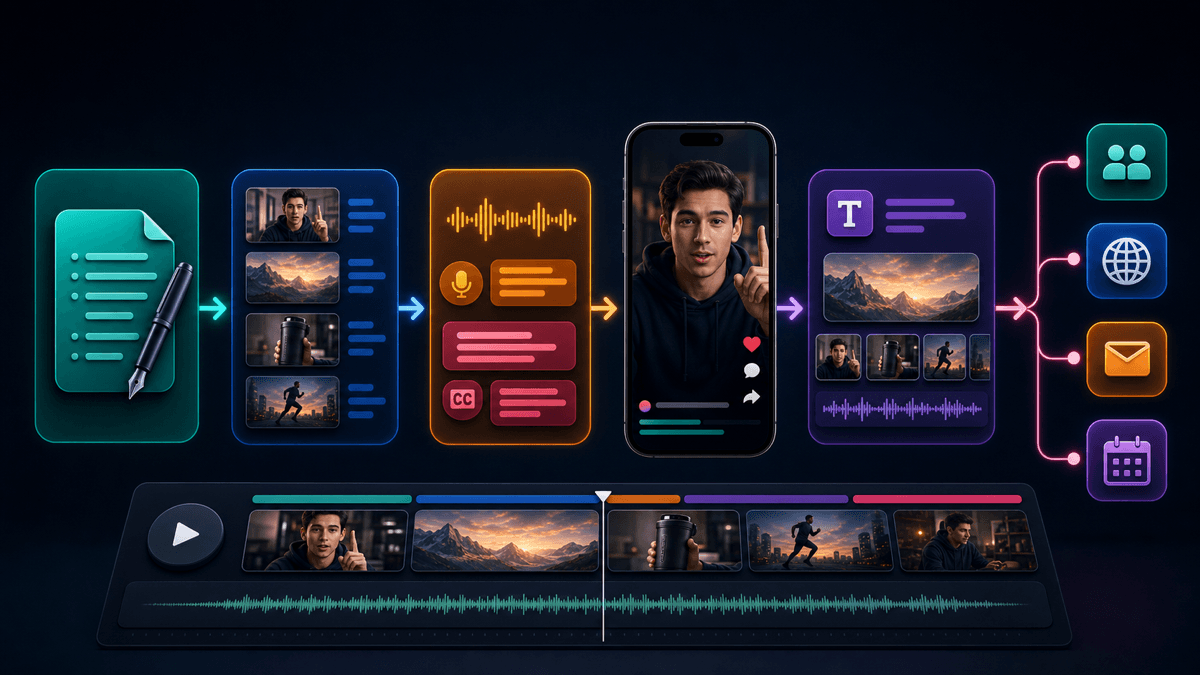
Use this workflow:
- Pick the template that matches the goal of the Short.
- Replace the placeholders with one narrow topic and one proof point.
- Keep the script concise enough that each sentence can map to a scene.
- Generate the first video draft in SwipeStory's AI YouTube Shorts generator.
- If you want the same idea adapted for other platforms, reuse the script in the AI TikTok video generator or AI Reel generator.
If your channel depends on faceless visuals or stylized scenes, you can also combine these scripts with SwipeStory's AI image-to-video workflow. That is especially useful when your Short needs a consistent character, style, or shot language across a series.
Mid-Post Recommendation
If you only remember one thing from this guide, make it this: pick one script structure per content series. Do not reinvent the storytelling pattern every time. The variable should be the topic, example, proof, and CTA, not the entire format.
That is also why SwipeStory pricing and plans are a better fit than a patchwork workflow for many creators. The faster you can move from template to draft to scheduled post, the easier it is to publish enough Shorts to learn what actually works.
Common Mistakes With YouTube Shorts Scripts
1. Leading with the niche instead of the tension
"This Short is about personal finance" is weak. "Most budget advice fails for one reason" is stronger because it creates forward motion immediately.
2. Packing too many ideas into one Short
Most good Shorts deliver one idea, one reveal, or one lesson. If the script tries to cover five concepts, the viewer gets no single payoff.
3. Saving the best line for the end
The first line has to earn the next few seconds. If your strongest insight is hidden at the end, the viewer may never reach it.
4. Writing like an article instead of spoken dialogue
Short-form scripts should sound natural when spoken out loud. Long clauses, background context, and overly formal phrasing reduce urgency.
5. Using templates without inserting proof
A template is a container, not the value itself. The value usually comes from the example, the mistake, the stat, or the visual contrast you insert into it.
Final Recommendation
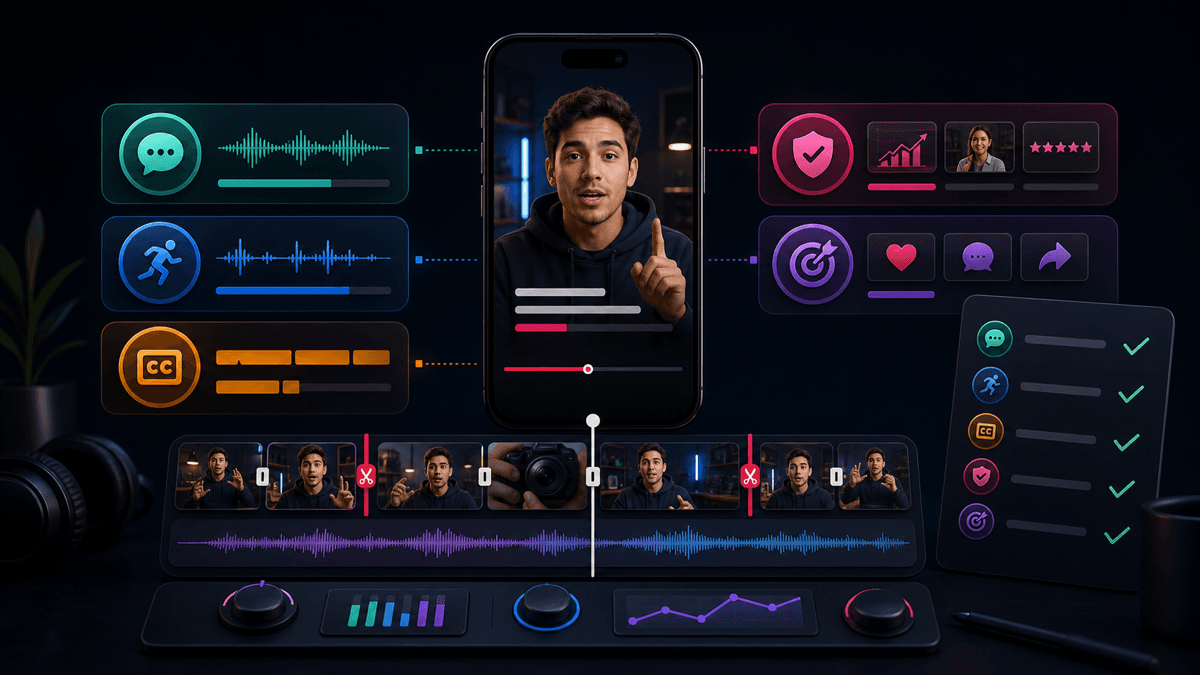
The best YouTube Shorts script templates are not the flashiest ones. They are the ones you can repeat. Start with one of the twelve frameworks in this guide, adapt it to a real niche problem, and keep the structure consistent across a series.
If you want the fastest path from template to publishable draft, use SwipeStory to turn the script into a finished Short with visuals, captions, voiceover, and posting support. If you need more niche inspiration first, our faceless YouTube channel ideas guide is the next page to read.
Frequently Asked Questions
How long should a YouTube Shorts script be?
For most creators, the sweet spot is still a script that lands in roughly 20-60 seconds. YouTube now allows eligible uploaded Shorts up to three minutes, but shorter scripts are still easier to pace tightly and easier to repurpose across platforms.
Can I reuse the same Shorts script structure across multiple videos?
Yes. That is usually the point. Reuse the structure, then swap the topic, proof, visuals, and CTA so the videos stay consistent without becoming repetitive.
What is the best CTA for a YouTube Short?
The best CTA depends on the goal. Use "save this" for templates and tutorials, "comment [keyword]" for engagement, "follow for part two" for series, and a soft product CTA when the Short naturally leads into a tool or workflow.
Are these templates only for YouTube?
No. They also adapt well to TikTok and Instagram Reels. The structure is portable, even though the packaging and caption style may change slightly by platform.