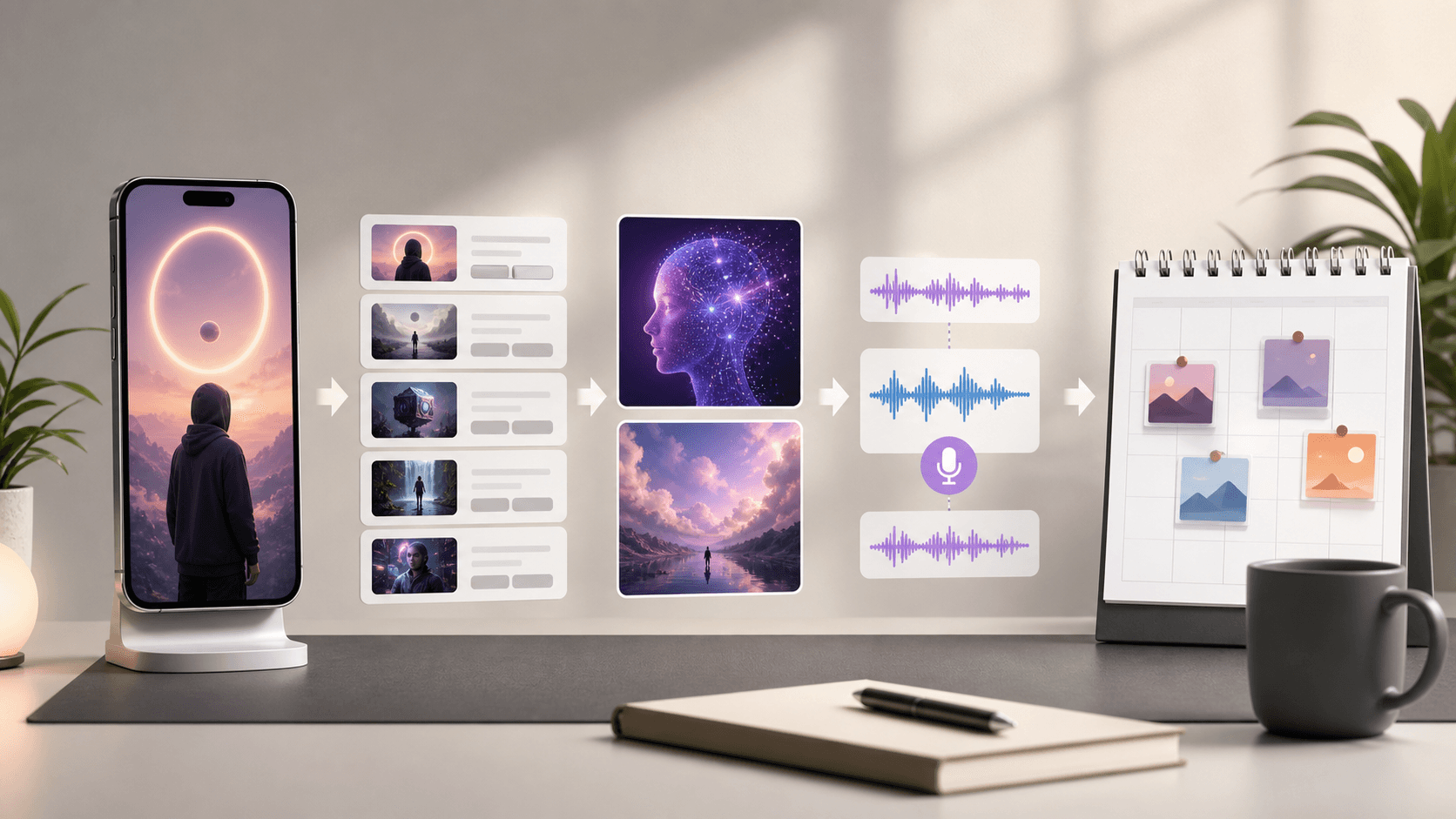
How to Make Faceless Videos with AI

Stella writes SwipeStory guides about AI faceless video creation, short-form video strategy, creator tools, and automated publishing workflows.
The fastest way to make faceless videos with AI is to start with a tight hook, turn it into a 20-90 second script, generate visuals and voiceover, add readable captions, and publish in a vertical 9:16 format. If you want one workflow that covers scripting, visuals, voice, captions, editing, rendering, and scheduling, SwipeStory is the cleanest fit. If you already have long-form footage and mainly need clips, a repurposing tool is usually the better choice.
The big mistake creators make is treating "faceless" like a niche instead of a format. Faceless videos can be story videos, product explainers, facts, news recaps, Reddit-style narratives, tutorials, listicles, or promotional Reels. What matters is not whether your face is on screen. What matters is whether the video has a clear hook, a visual rhythm, and a reason to keep watching.
Quick Answer
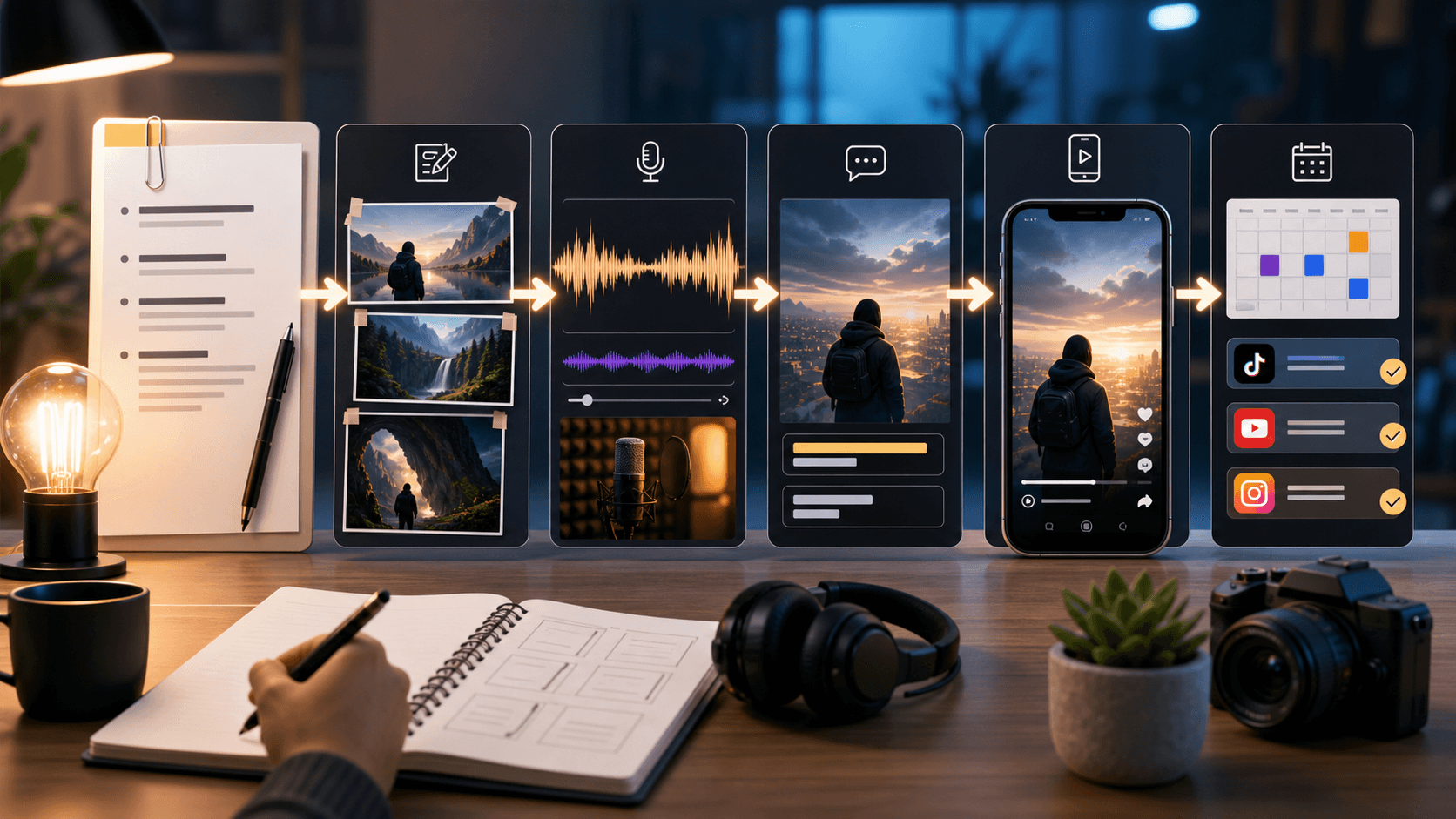
Here is the practical workflow:
- Pick a narrow topic and a single payoff.
- Write a script that opens with a strong first line.
- Turn the script into scenes or B-roll instructions.
- Generate visuals, voiceover, and captions with AI.
- Edit for pace, silence, and caption readability.
- Export in a vertical format for Shorts, TikTok, and Reels.
- Publish consistently, then iterate on the hooks that retain viewers.
Most creators should choose one of these two paths:
| Workflow | Best for | What the AI should do |
|---|---|---|
| Prompt or script to full video | New faceless channels, story content, explainers, niche videos | Script, visuals, voiceover, captions, music, rendering, publishing |
| Long video to short clips | Podcasts, interviews, webinars, talking-head channels | Find moments, crop to vertical, add captions, reframe, publish |
Step 1: Choose the Right Faceless Format
Before you touch a generator, decide what kind of faceless video you are making. That determines whether you need an end-to-end AI creator or a clipping tool.
Use a prompt-to-video workflow if you are building:
- Story channels
- Motivational or educational Shorts
- Product explainers
- Reddit-style narration videos
- Top-10, history, trivia, or niche fact videos
Use a clipping workflow if you already have:
- Podcasts
- Interview footage
- Webinars
- Long YouTube videos
- Talking-head tutorials
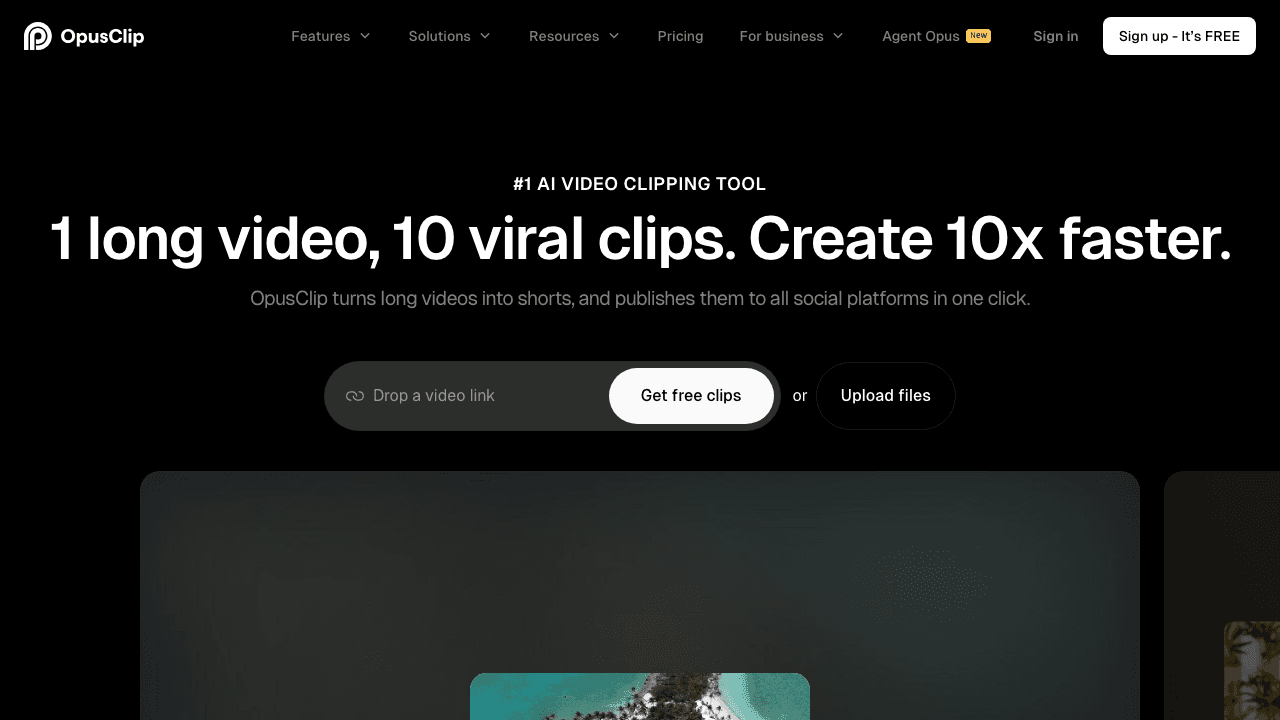
This distinction matters because many "AI faceless video generator" pages are really clip editors. They are useful, but they solve a different job. OpusClip's official site is a good example of the clipping category: it is optimized around turning long videos into shorts, reframing speakers, adding captions, and publishing faster. That is ideal if the footage already exists. It is not the same as creating a faceless channel from scratch.
If you want a deeper category breakdown before you commit to a tool, read our roundup of the best AI faceless video generators.
Step 2: Start With a Hook, Not a Topic
Most bad faceless videos fail in the first two seconds. The visuals might look fine. The voice might sound polished. But nothing in the opening makes the viewer care.
Instead of prompting "make a video about productivity," prompt for a hook plus payoff:
- "Three productivity mistakes that make solo creators look busy but stay stuck"
- "The strange reason luxury brands avoid obvious discounts"
- "A one-minute breakdown of why this startup ad converts"
- "A creepy true story that gets worse every 10 seconds"
Your script should usually follow this sequence:
- Hook
- Context
- Escalation or proof
- Payoff
- CTA or final thought
For Shorts, that often means 80-180 spoken words depending on pacing. Keep sentences short. Avoid intro fluff. If a line would feel weak when spoken out loud, cut it.
If you are using SwipeStory's AI TikTok video generator or AI YouTube Shorts generator, the best input is not just a broad niche. It is a specific angle plus tone, for example:
Create a 35-second faceless YouTube Short about why most beginner Etsy ads fail. Tone: direct, practical, slightly contrarian. Use a fast opening, 5-6 short scenes, clear captions, and a confident narrator.
That gives the model something structured to build from.
Step 3: Turn the Script Into Scenes
Once the hook is solid, break the script into scene beats. Each scene should visually reinforce exactly one idea.
A simple faceless short often uses:
- 5-8 scenes for a 20-45 second video
- 8-12 scenes for a 45-90 second video
- one visual idea per sentence or phrase
For example:
- Hook line: high-contrast opening image or motion shot
- Proof line: screenshot, graph, close-up, or symbolic cutaway
- Explanation line: slower B-roll or image-to-video motion
- Payoff line: strongest visual or caption punch
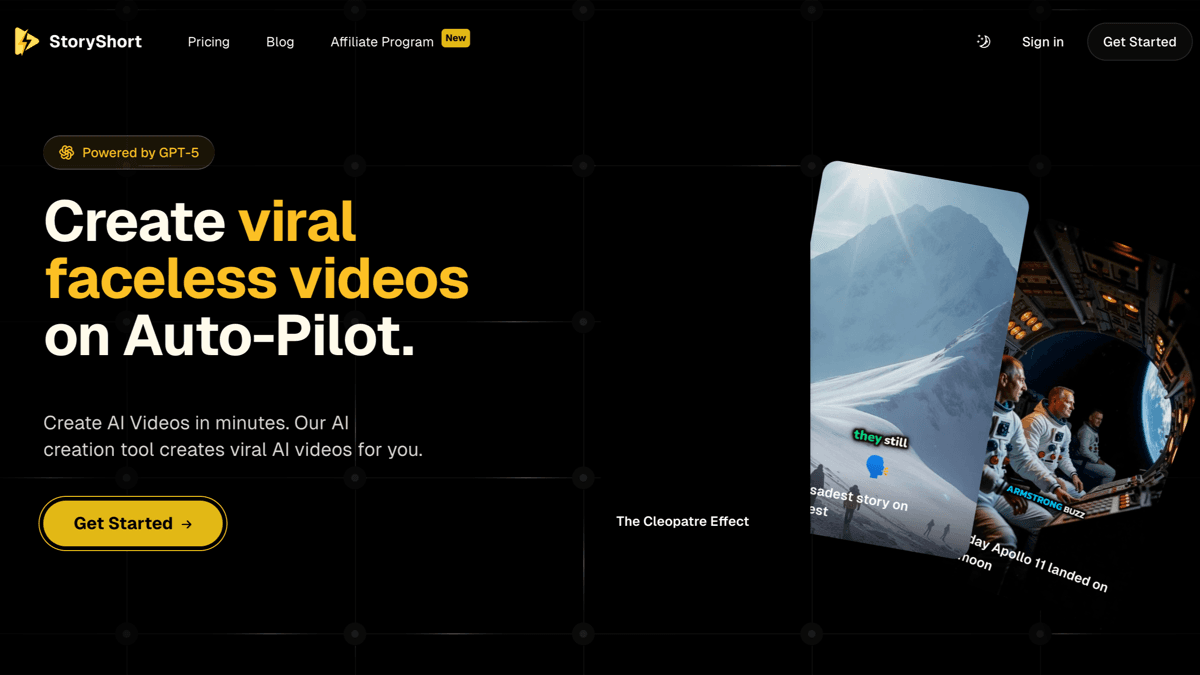
Tool choice starts to matter here. Story-led tools like StoryShort are built around script-to-scene generation, while clipping tools are built around finding scenes inside an existing video. On StoryShort's official homepage, the product is explicitly positioned around creating viral faceless videos from AI-generated visuals, voiceovers, captions, and auto-publishing. That is the right category if you want a fast text-to-video faceless workflow.
If you want more control over the visual layer, pair a script workflow with SwipeStory's AI image-to-video tool. That is especially useful when your video needs a consistent style, a repeatable character look, or motion generated from still frames instead of stock footage.
Step 4: Generate Voiceover, Captions, and Visuals Together
Faceless videos usually feel cheap when the voice, visuals, and captions are assembled as separate afterthoughts. The better approach is to generate them as one coordinated output and then refine.
That is the core advantage of an end-to-end workflow. Instead of exporting a script from one app, a voice from another, B-roll from a third, and captions from a fourth, you can generate the first complete draft in one pass and use editing time on the parts that actually matter:
- replacing weak visuals
- tightening timing
- improving caption emphasis
- swapping the voice for a better fit
- fixing the first two scenes
SwipeStory fits this step because it is built around turning prompts or scripts into vertical videos with AI-generated visuals, voiceovers, captions, background music, editing, rendering, and scheduled publishing. On the current public pricing page, SwipeStory lists Hobby at $23/month billed annually, Creator at $39/month billed annually, Influencer at $55/month billed annually, and Studio at $174/month billed annually as of May 2, 2026.
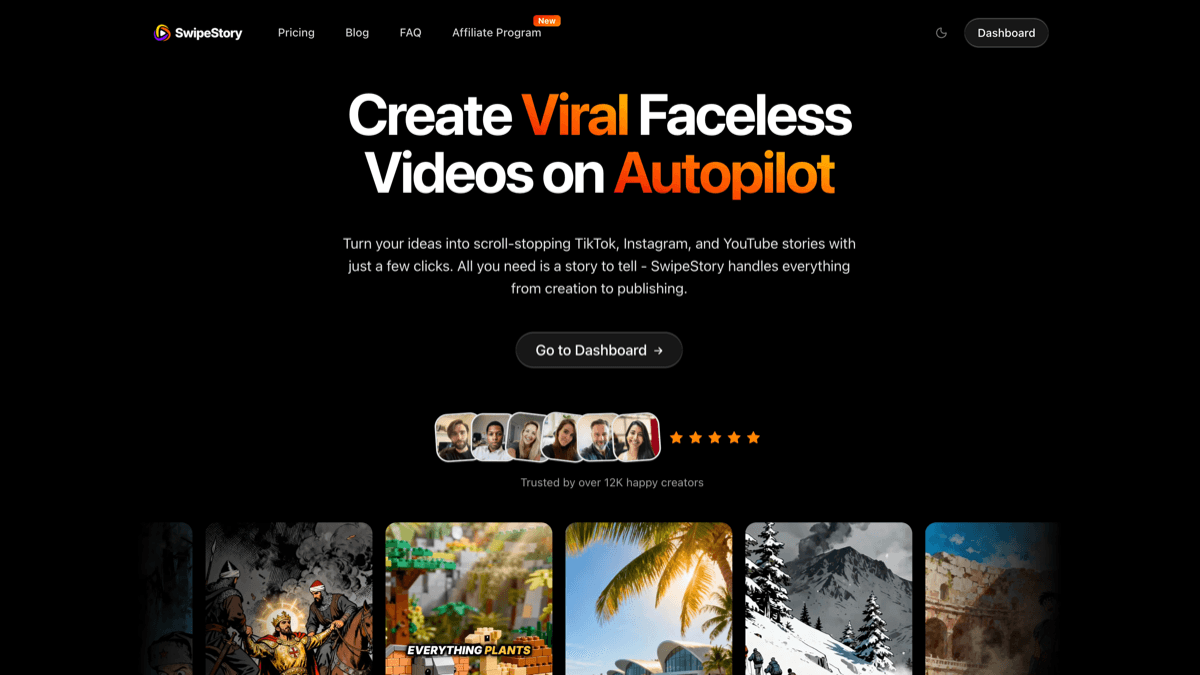
If you are trying to build a channel instead of one isolated video, this matters more than people think. The bottleneck is rarely "Can I generate one faceless video?" The bottleneck is "Can I create, edit, and publish enough good videos every week without burning out?"
The workflow I would use is:
- Generate the draft fast.
- Improve only the scenes that feel generic.
- Reuse the winning structure for the next video.
Step 5: Edit for Retention, Not Perfection
AI gets you the draft. Retention still comes from editing judgment.
Your faceless video should move every 1-3 seconds through some combination of:
- a new image
- caption emphasis
- zoom or crop change
- a cut to a different angle
- a stronger proof point
- a sharper narration line
Keep these rules in mind:
- Put the strongest idea first, not last.
- Avoid dead air between scenes.
- Keep captions easy to read on mobile.
- Use visual variety, but do not change style so often that the video feels random.
- If the voice sounds too smooth or too slow, increase urgency with shorter sentences before swapping voices.
Current platform rules matter here too. As of May 2, 2026, YouTube says that square or vertical videos uploaded after October 15, 2024 can qualify as Shorts if they are up to three minutes long, according to YouTube Help's three-minute Shorts documentation. But YouTube's separate Edit into a Short guide still says the in-app remix flow for your existing uploaded videos lets you select up to 60 seconds from that source video. So if you are repurposing old footage, the creation method still affects what you can do.
For TikTok and Reels, the same creative principle holds even if the exact feature set changes over time: vertical framing, fast openings, readable captions, and a clear story beat matter more than polish for its own sake.
Step 6: Publish Responsibly and Consistently
Once the draft is working, publish enough volume to learn which hooks travel.
A practical cadence for most creators is:
- 3 videos per week if you are still finding your format
- 5-7 videos per week if you already know your niche
- 1-2 repeatable content formats instead of constant reinvention
Consistency is easier when the workflow includes scheduling. That is one of the main reasons creators move from disconnected tools into an all-in-one system like SwipeStory pricing and plans: the same workflow can handle generation and posting instead of forcing another manual step at the end.
One more current rule matters if your AI output looks realistic. YouTube's official altered or synthetic content policy says creators must disclose meaningfully altered or synthetically generated content when it appears realistic. If your faceless video uses stylized illustrations or clearly fictional scenes, this is usually less sensitive. If it presents realistic people, places, or events, handle disclosure correctly during upload.
Common Mistakes That Make AI Faceless Videos Underperform
1. Using broad prompts
"Make me a faceless motivation video" is too vague. Specific prompts create better scripts, better visuals, and fewer revisions.
2. Letting captions cover the whole screen
Captions should support the story, not block the visuals. Shorter lines usually perform better on mobile.
3. Treating stock footage as proof
Generic footage can work for transitions, but the strongest faceless videos still need a real point of view. Use examples, screenshots, scene logic, or a clear narrative progression.
4. Publishing one-off experiments
The easiest channels to grow are built around a repeatable format: same style, same pacing, same audience promise, different topic each time.
5. Choosing the wrong tool category
If you want a story channel, use a script-to-video workflow. If you want clips from long-form content, use a clipping workflow. This is the biggest avoidable mismatch.
Best Tool Choice for Most Creators
If you are asking how to make faceless videos with AI because you want to publish consistently, not just test one clip, start with a workflow that handles the whole stack:
- idea or script input
- scene generation
- AI visuals
- voiceover
- captions
- music
- vertical rendering
- publishing or scheduling
For that all-in-one use case, SwipeStory is the best fit for most faceless creators. You can go from prompt to finished short, then branch into platform-specific flows with the AI TikTok video generator, AI YouTube Shorts generator, AI Reel generator, and AI image-to-video tool.
If you mainly need to repurpose existing footage, OpusClip is the better category fit. If you want a story-first alternative focused on fast text-to-video faceless content, StoryShort is a reasonable option. The right choice depends on whether you are building from scratch or repackaging footage you already own.
Frequently Asked Questions
Can I make faceless videos with AI for free?
You can usually test the workflow on free tiers or trial credits, but serious publishing gets easier with a paid tool because you need better voiceovers, cleaner exports, and enough generations to iterate. The best free starting point is usually to validate your format before paying to scale it.
What types of faceless videos work best?
The most repeatable categories are stories, explainers, trivia, product education, listicles, niche facts, and commentary built around strong visuals. The format works best when the viewer can understand the idea without needing your face on screen.
Is it better to use stock footage or AI-generated visuals?
Use whichever makes the story clearer. Stock footage is fine for generic context. AI-generated visuals are better when you need a specific style, a fictional scene, or imagery that would be difficult to source consistently.
How long should an AI faceless video be?
For most creators, 20-45 seconds is the easiest range to produce consistently. But as of May 2, 2026, YouTube also allows qualifying Shorts up to three minutes when they are uploaded in a square or vertical format, so longer faceless explainers can work if retention stays strong.