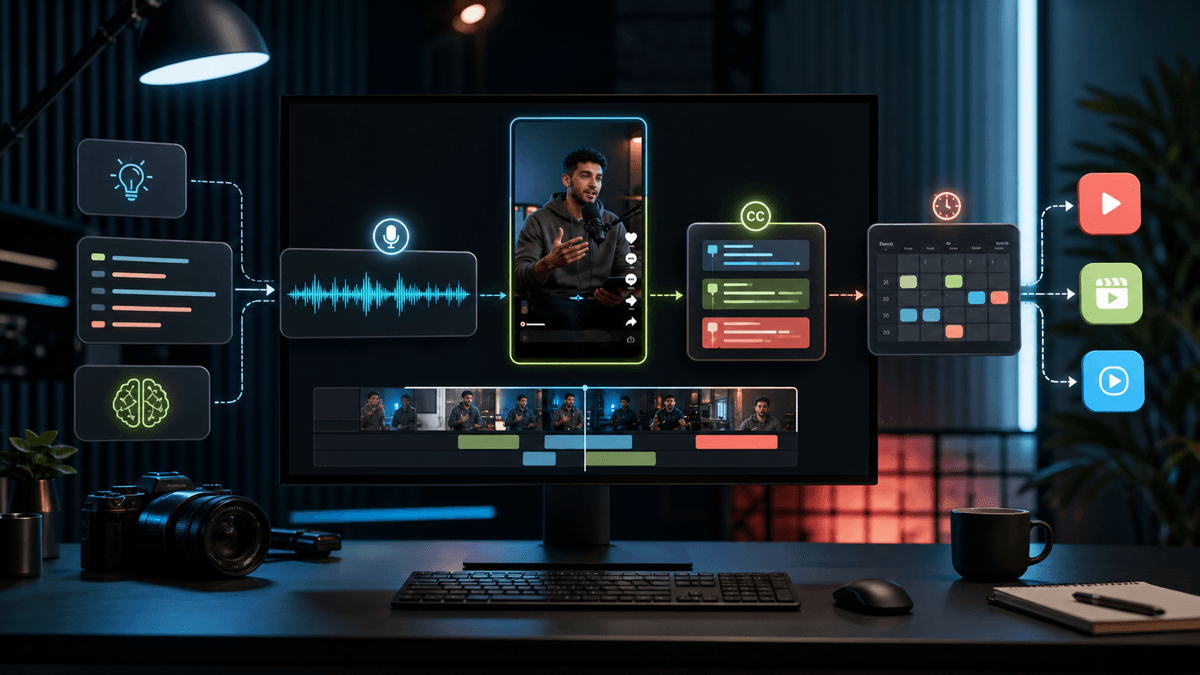
SendShort Alternative for AI Shorts

Stella writes SwipeStory guides about AI faceless video creation, short-form video strategy, creator tools, and automated publishing workflows.
The best SendShort alternative is SwipeStory when you want to turn prompts or scripts into original faceless videos with AI visuals, voiceovers, captions, music, rendering, and scheduled publishing. SendShort is still a strong fit if your main job is clipping existing long videos into shorts, adding captions, translating subtitles, or using its broader short-form editing toolkit. Choose SwipeStory when your bottleneck is the blank page: topics, scripts, visuals, voice, captions, and a repeatable series for TikTok, YouTube Shorts, and Instagram Reels.
Updated June 10, 2026. We checked SendShort's current homepage and pricing page, SwipeStory's homepage and pricing page, YouTube's Shorts documentation, and TikTok's current in-feed video specification page before writing this comparison. Pricing and feature packaging change often, so use this as a workflow buying guide and re-check checkout pages before purchase.
Quick Verdict
| Need | Better fit | Why |
|---|---|---|
| Prompt or script to original faceless shorts | SwipeStory | Built around idea-to-video creation with voiceover, visuals, captions, rendering, series, and publishing |
| Clip long videos into shorts | SendShort | Public pages emphasize long-video-to-short extraction, clip making, auto captions, translation, and editing |
| Add captions, translations, and B-roll to existing videos | SendShort | Stronger editing and repurposing surface for files you already have |
| Build a no-camera TikTok, Shorts, or Reels series | SwipeStory | Starts from the topic or script instead of requiring source footage |
| Run high-volume repurposing from a content library | SendShort | Business tier positioning is high-volume repurposing and unlimited monthly shorts |
If your team already records podcasts, interviews, YouTube videos, webinars, or talking-head content, test SendShort first. If you are trying to build an original faceless channel without filming, start with SwipeStory's faceless AI video generator or Script to Video AI.
What SendShort Does Well
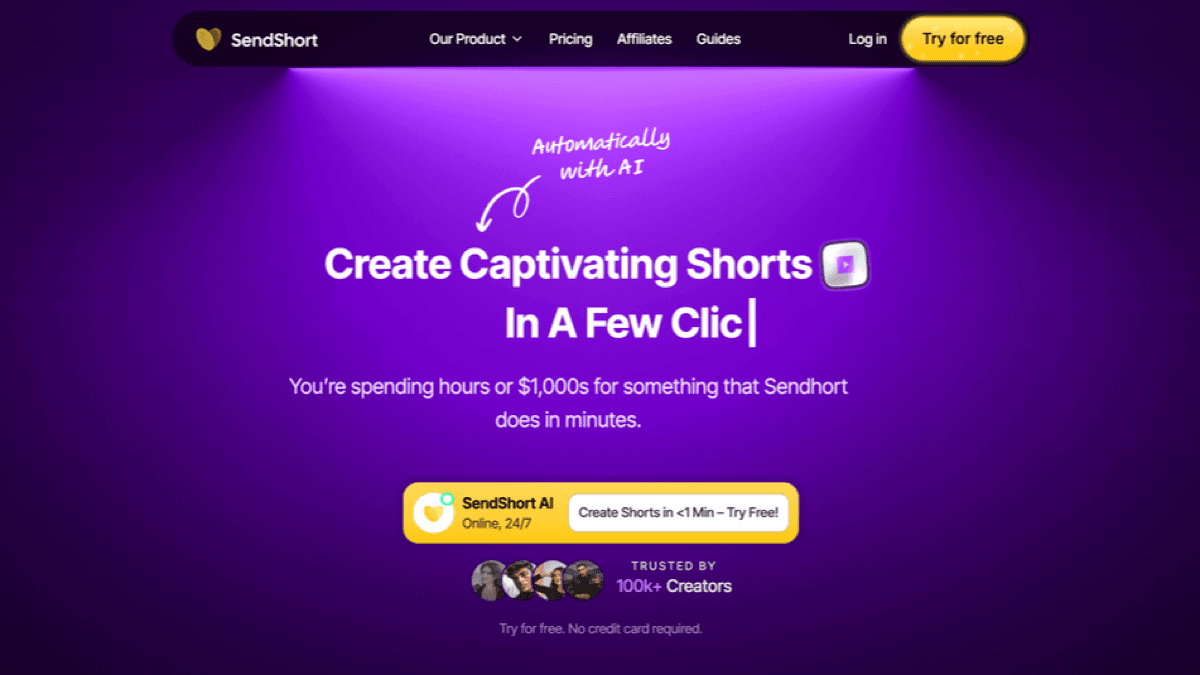
SendShort is positioned as an AI shorts creator for creators who want to move faster across short-form formats. Its public homepage highlights long-video-to-short conversion, auto-generated shorts, AI subtitles, faceless videos, auto B-roll, auto translation, UGC-style content, and automated series. The pricing page also lists product modules for turning long videos into shorts, creating faceless videos, adding subtitles, scheduling videos to TikTok or YouTube Shorts, creating clips from long videos, translating subtitles, and adding transitions.
That gives SendShort a wide surface area. It is not only a caption tool and not only a clipper. It can help creators who already have source videos, need more clips from those videos, and want AI to handle the repetitive editing layer.
SendShort is worth considering if:
- You already publish long videos and want more shorts from the same footage.
- Your workflow starts with YouTube links, uploaded files, interviews, podcasts, webinars, or talking-head videos.
- You need captions, subtitles, translated subtitles, B-roll, transitions, and ratio conversion around existing assets.
- You want a short-form editor with AI helpers instead of a narrower prompt-to-video system.
- You are comfortable reviewing auto-generated clips before publishing them.
The limitation is category fit. If you have no raw footage and your real input is a content idea, SendShort's clipping strengths may not solve the hardest part. You still need a strong hook, a script, a visual direction, a voiceover style, and a repeatable format. That is where a SendShort alternative like SwipeStory can be cleaner.
SendShort Pricing Checked June 10, 2026
SendShort's public pricing page currently shows Starter, Professional, and Business tiers with monthly and yearly toggles. The visible yearly pricing comparison lists Starter at $15 per month, Professional at $23 per month, and Business at $47 per month. The visible monthly comparison lists Starter at $19 per month, Professional at $29 per month, and Business at $59 per month.
The same comparison table lists:
| Plan | Public pricing snapshot | Useful limits shown on page |
|---|---|---|
| Starter | $15/month yearly or $19/month monthly | 20 shorts, 1 minute 30 seconds max video length, 3 faceless videos weekly, 1080p export |
| Professional | $23/month yearly or $29/month monthly | 50 shorts, 3 minute max video length, 10 faceless videos weekly, 1080p and 2K export, custom themes |
| Business | $47/month yearly or $59/month monthly | Unlimited monthly shorts, 10 minute max video length, unlimited faceless videos weekly, 1080p/2K/4K export, publishing and analytics features |
Those prices are competitive if you can feed the product with enough footage. The hidden cost is production before the upload. A creator with a podcast library may get value quickly because the raw material already exists. A creator with only a niche idea still needs the script, narration, visual plan, captions, and publishing cadence.
SendShort vs SwipeStory
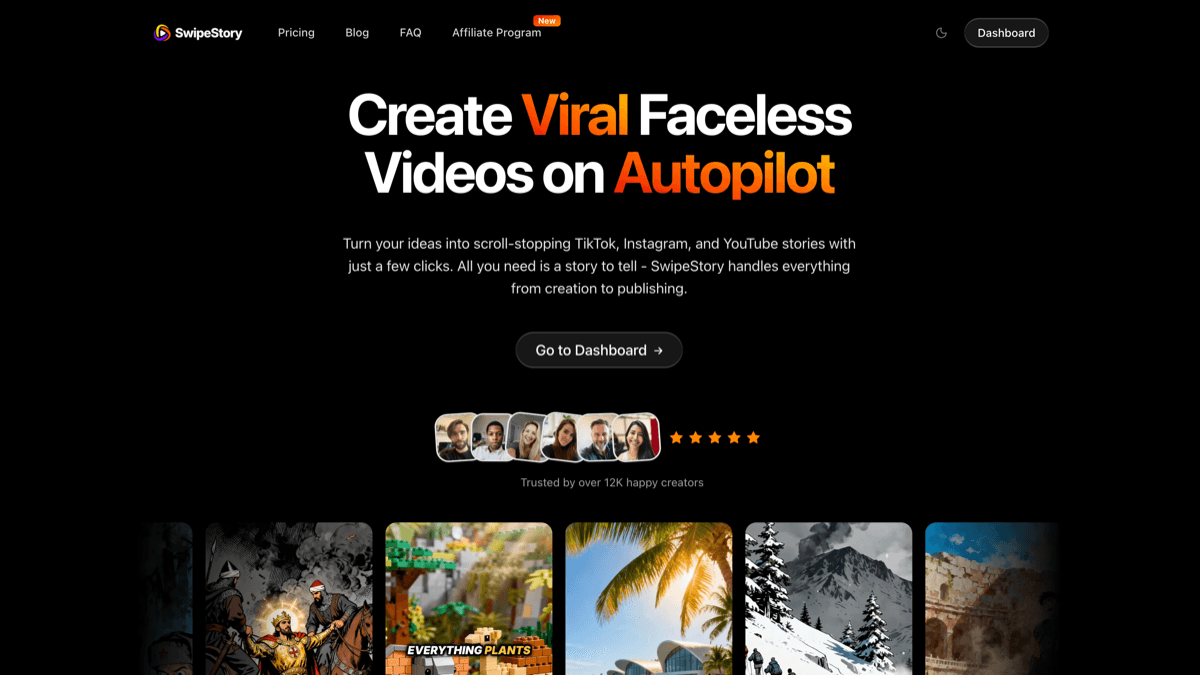
SwipeStory is the stronger SendShort alternative when your starting point is an idea, prompt, or finished script. SwipeStory turns prompts or scripts into vertical videos with AI-generated visuals, voiceovers, captions, background music, editing, rendering, and scheduled publishing for TikTok, YouTube Shorts, and Instagram Reels.
SwipeStory's current homepage says it turns ideas into TikTok, Instagram, and YouTube stories and handles the workflow from creation to publishing. The same page describes script writing, video creation with voiceover, captions, AI-generated voiceovers, background music, fast cloud rendering, and direct publishing from the app.
On SwipeStory's pricing page checked June 10, 2026, the current annual Summer Creator Sale shows Hobby at $16/month for 120 credits and 1 series, Creator at $31/month for 300 credits and 2 series, Influencer at $55/month for 600 credits and 3 series, and Studio at $174/month for 2,000 credits and 5 series. The page lists custom AI voiceovers, background music, auto-captions, all art styles, no watermark, automated posting, and fast video generation across the visible plans.
The practical difference:
| Question | SendShort | SwipeStory |
|---|---|---|
| What do you start with? | Long videos, uploads, links, or short-form editing tasks | A prompt, idea, script, or faceless series premise |
| Core job | Repurpose, clip, caption, translate, edit, and schedule shorts | Create original faceless videos from scratch and publish them |
| Best user | Creator with existing footage or a repurposing backlog | Creator building a no-camera short-form channel |
| Captions | Strong caption/subtitle and translation feature surface | Captions are part of the full prompt/script-to-video workflow |
| Series | Automated series appear in SendShort's feature set | Series are central to SwipeStory's pricing and publishing workflow |
| Platform fit | Strong for TikTok and YouTube scheduling; pages also mention Instagram and more | Built for TikTok, YouTube Shorts, and Instagram Reels workflows |
If you are replacing SendShort because you want fewer editing decisions before publishing, test SwipeStory's AI YouTube Shorts generator, AI TikTok video generator, and AI Reel generator. If the channel is intentionally faceless, the faceless AI video generator is the most direct starting point.
The Workflow Difference Matters More Than The Feature List
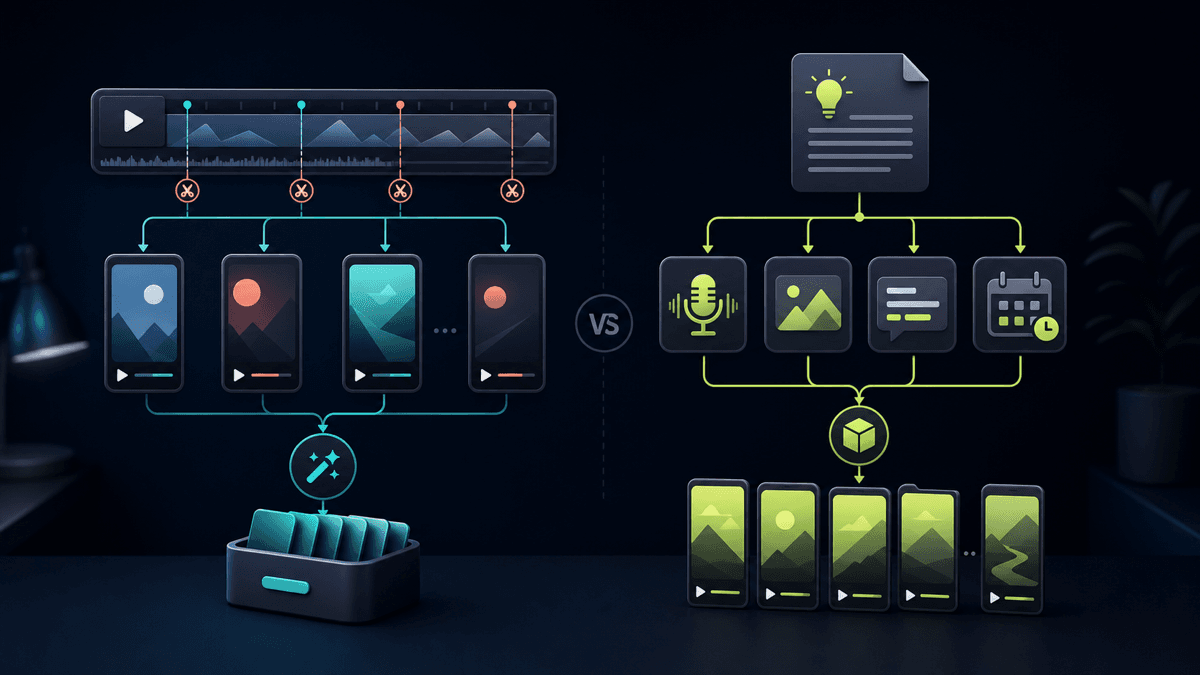
Most SendShort alternative searches mix two categories that should be separated:
| Starting point | Better category |
|---|---|
| A two-hour podcast | AI clipping and repurposing |
| A webinar recording | AI clipping, captions, and highlight detection |
| A finished YouTube video | Long-form to shorts repurposing |
| A blank page and a niche idea | Prompt-to-video or faceless AI video generation |
| A final 120-word narration | Script-to-video AI |
| A daily no-camera content series | Faceless video generator with scheduling |
Buying the wrong category creates extra work. If you buy a clipping tool with no footage, you still need to create the source material. If you buy a prompt-to-video tool while sitting on hundreds of podcast episodes, you may ignore the fastest content asset you already own.
That is why SwipeStory is not simply "SendShort but different." It is better when the content does not exist yet. It helps you move from idea to script, visuals, voice, captions, music, rendering, and scheduled publishing. SendShort is better when the content exists and you need AI to find, format, subtitle, translate, or polish clips.
Who Should Choose SendShort
Choose SendShort if your workflow is repurposing-first:
- You record long videos every week.
- You have a backlog of podcasts, interviews, webinars, livestreams, or courses.
- Your best moments are already inside the footage.
- You need multiple clips from each source video.
- Captions, translated subtitles, auto B-roll, ratio conversion, SRT export, and publishing are more important than creating a new script.
- You want a broader AI editing toolkit around existing content.
SendShort can also make sense for faceless videos if you like its output style and plan limits. Its official pages describe faceless video generation, automated faceless content series, AI voiceover, auto captions, AI-generated stories, and AI background images. The right test is practical: create three videos from the same premise and compare how much review work each output needs before publishing.
Who Should Choose SwipeStory
Choose SwipeStory if your workflow is generation-first:
- You do not have source footage.
- You want to start with a topic, prompt, or finished script.
- You need visuals, voiceover, captions, music, rendering, and scheduling in one workflow.
- You publish across TikTok, YouTube Shorts, and Instagram Reels.
- You want repeatable series organization instead of one-off clip exports.
- You want to test multiple faceless formats without filming.
For example, a creator building a "daily weird history" channel does not need a tool to find clips inside a two-hour recording. They need five hooks, five short scripts, a consistent voice, visual style, caption rules, and a way to schedule finished videos. A prompt-to-video or script-to-video workflow is the better fit.
Buying Checklist Before You Switch
Use this checklist before choosing a SendShort alternative:
- Define the raw material. Are you starting with long videos, short clips, scripts, images, or only an idea?
- Decide the content category. Is the job repurposing, captioning, translating, faceless generation, or social scheduling?
- Check plan limits. Compare video length, monthly clips or credits, series limits, export resolution, watermark rules, and account connections.
- Review platform rules. YouTube says eligible square or vertical videos up to three minutes can be categorized as Shorts, but Shorts over one minute with active Content ID claims can be blocked globally. TikTok's current in-feed ad specs recommend 9:16 vertical video at least 540x960 for non-Spark ads and list safe-zone considerations.
- Test five outputs. One sample video is not enough. Compare caption timing, voice quality, visual relevance, editing control, export settings, and how much cleanup remains.
- Check publishing fit. A scheduler is useful only after the video is ready. If creation is still the bottleneck, prioritize the tool that creates better drafts.
- Track review time. The best tool is not the one with the longest feature list. It is the one that gets you from source idea to approved publishable short fastest.
A Practical SwipeStory Workflow If You Are Moving From SendShort
If you tried SendShort and realized your problem is original content creation, use this workflow inside SwipeStory:
- Pick one repeatable series premise, such as "one-minute founder lessons," "daily strange history," or "simple AI tool explainers."
- Write five hook angles using the TikTok hook examples guide.
- Turn the strongest hook into a 90- to 140-word script with one idea per scene.
- Generate the first draft in SwipeStory using a consistent voice, visual style, and caption approach.
- Review factual claims, music, visual fit, caption timing, and pacing.
- Schedule the video, then create four more episodes with the same structure.
- Compare completion, comments, saves, and topic quality before changing the format.
This is the main advantage of a generation-first workflow. You are not waiting for a long video to exist before creating shorts. You can start with the niche, produce a test batch, and learn which hooks deserve more episodes.
Best SendShort Alternatives To Consider
1. SwipeStory: Best For Faceless AI Shorts From Prompts
SwipeStory is the best SendShort alternative if you want original faceless videos from ideas or scripts. It is especially useful for no-camera channels, educational shorts, story videos, platform-specific drafts, and creators who want publishing built into the same workflow.
Start with faceless AI video generator for no-camera formats, Script to Video AI when narration is final, or AI video prompts for Shorts when you need better prompt structures before generation.
2. OpusClip: Better If You Only Need Long-Form Clipping
If your real workflow is long video repurposing, also compare SendShort against OpusClip. OpusClip is a clipping-first tool, so it is a better category match for podcasts, interviews, webinars, livestreams, and talking-head YouTube videos than a blank-page faceless generator. Read our Opus Clip alternative for faceless videos guide if you are deciding between clipping and generation.
3. StoryShort: Better For Narrow Story-Led Faceless Channels
StoryShort is worth testing if your channel is almost entirely story-led: horror, history, facts, Reddit-style stories, motivational narration, or similar recurring formats. SwipeStory is broader if you want the same system to cover platform-specific shorts, Reels, image-to-video concepts, scripts, captions, and scheduled publishing. Our StoryShort AI alternative guide compares that category more directly.
4. Keep SendShort If Repurposing Is The Real Job
Do not switch just because another tool has a cleaner prompt-to-video pitch. If you already have source footage and SendShort is producing usable clips quickly, stay with the repurposing category. Add SwipeStory only when you also want net-new faceless videos that do not depend on filmed material.
Final Recommendation
SwipeStory is the best SendShort alternative for creators who want prompt-or-script-to-published-video creation for faceless TikToks, YouTube Shorts, and Instagram Reels. It is the better fit when the content does not exist yet and your bottleneck is building a repeatable short-form series.
SendShort remains a good choice when your workflow starts with long videos, uploaded footage, or editing tasks. Its official pages show strong coverage across clipping, captions, translation, B-roll, faceless video features, and scheduling. The decision is not "which tool has more features." The decision is whether you need to repurpose existing footage or generate original short-form videos from scratch.
If you are deciding today, run this test: use SendShort on one existing long video, then use SwipeStory's faceless AI video generator on one blank-page topic. Compare the final output, review time, caption quality, visual fit, scheduling workflow, and how easily you can make the next four videos. That will tell you which workflow actually fits your content system.
Frequently Asked Questions
What is the best SendShort alternative?
SwipeStory is the best SendShort alternative when you want to create original faceless shorts from prompts or scripts. SendShort is better when you already have long videos and want AI to create clips, captions, subtitles, translations, or repurposed shorts.
Is SendShort better than SwipeStory?
SendShort is better for repurposing and editing existing videos. SwipeStory is better for generating new faceless videos from ideas or scripts and scheduling them as repeatable TikTok, YouTube Shorts, and Instagram Reels content.
Does SwipeStory replace SendShort clipping?
Not exactly. SwipeStory is a creation-first workflow, not just a clip extractor. If you need to cut down podcasts, interviews, or webinars, use a clipping tool. If you need new no-camera videos without source footage, use SwipeStory.
What should I check before switching from SendShort?
Check your raw material, plan limits, video length needs, caption workflow, export quality, publishing workflow, and review time. If most of your work starts from long footage, stay with repurposing. If it starts from ideas and scripts, test SwipeStory.