Top 6 Frameloop.ai Alternatives for 2026

Stella writes SwipeStory guides about AI faceless video creation, short-form video strategy, creator tools, and automated publishing workflows.
Finding an AI video generator that balances quality, automation, and control without fragmenting the workflow is still difficult. Many platforms restrict advanced editing, limit style customizations, or tie output to costly credits for heavy users. This comparison covers core features, pricing models, and workflow speed across six AI video generators so creators and marketing teams can match a tool to their daily needs.
Table of Contents
SwipeStory
At a Glance
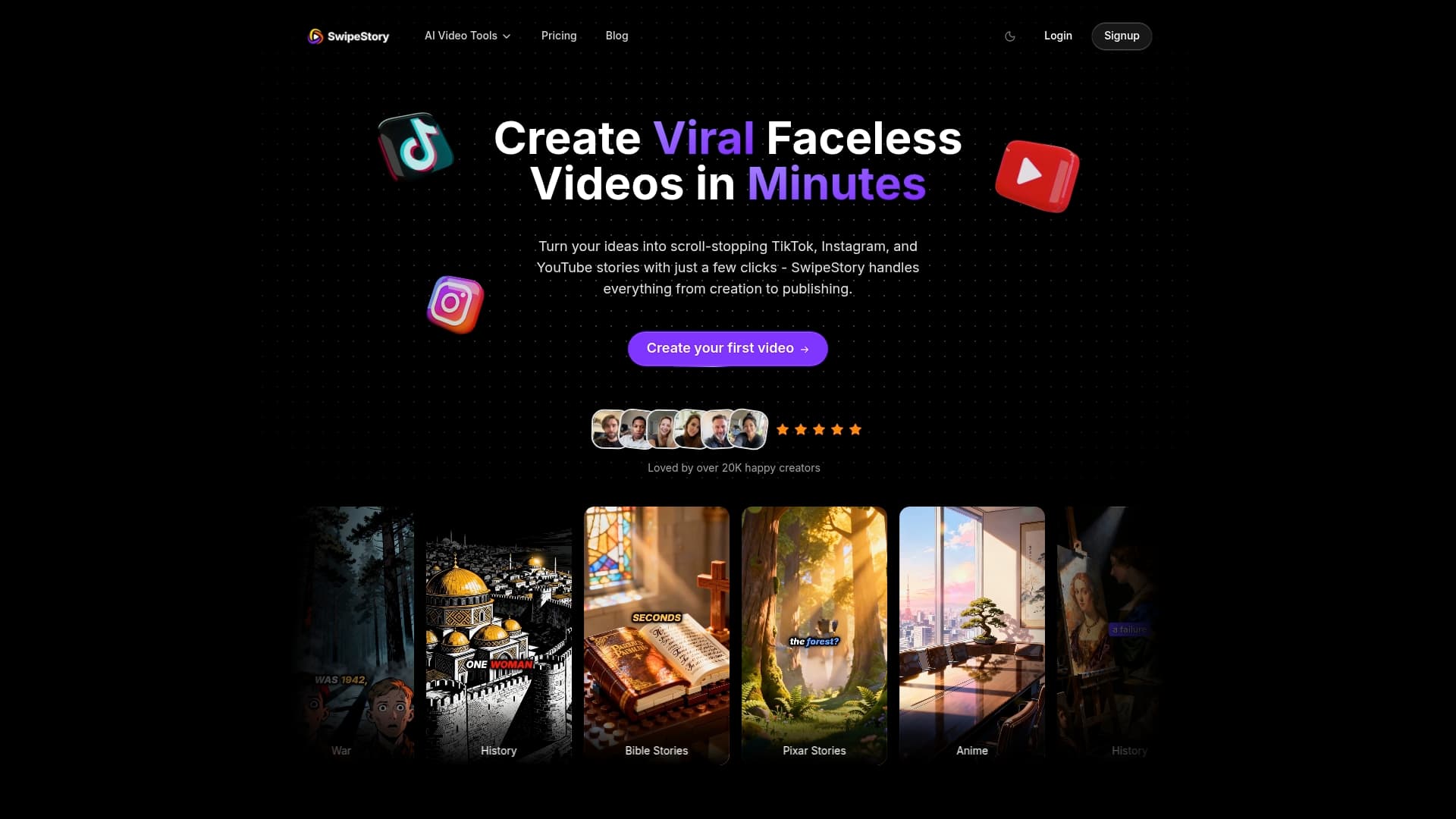
SwipeStory reports over 60,000 short videos generated by creators. The platform automates script writing, voiceovers, visual styling, and cloud rendering. It focuses on TikTok, Instagram, and YouTube shorts for creators, marketers, and educators.
Core Features
SwipeStory combines AI script writing with an integrated visual style library covering anime, Pixar style, and cinematic looks. It provides auto voiceovers using AI voices and a background music library for mood and pacing. Fast cloud rendering and direct publishing let creators produce and post short videos in minutes. Basic editing tools let you trim clips, adjust pacing, and add captions inside the platform. Caption customization and advanced image generation let creators match visuals and text to platform norms.
Key Differentiator
SwipeStory's single standout is that it handles scripting, voiceovers, styling, and publishing inside one platform. You do not need separate script tools, voice engines, or external rendering farms to finish a short video. Keeping assets in one place simplifies version control and reuse across multiple clips.
Pros
The interface requires little technical skill, which speeds up content output for small teams and solo creators. The platform produces high-quality AI generated visuals and voiceovers, which cut the time spent on manual editing. Multiple customizable styles and templates reduce time spent choosing a look for each clip. Fast publishing tools pair with social formatting presets so captions, aspect ratios, and lengths match each platform. An affordable credit model helps small teams predict monthly output without surprise costs. Templates include faceless, anime, and Pixar style formats for creators who avoid on camera appearances.
Cons
- Limited control over detailed editing compared to professional video editing software.
Who It's For
Creators who need quick videos optimized for platforms benefit most. Social media marketers who run daily content calendars will find the credit model useful. Educators and small businesses can produce explainer clips and course previews without hiring editors. Small studios and agencies that produce high volumes of short clips will appreciate the time savings.
Unique Value Proposition
Fast cloud rendering and direct publishing let creators move from script to live post in minutes. That speed reduces the labor needed per clip and lowers turnaround for trend-driven formats. Because the platform handles voice and rendering, you pay for generation credits rather than per editor hour. For teams balancing volume and quality, the credit model makes output predictable and easier to budget.
Real World Use Case
An influencer uses SwipeStory to generate daily TikTok videos on trending topics without manual editing. They write short prompts, pick a visual style, and publish after AI voiceover and cloud rendering. They reuse voice styles and templates to keep a consistent brand voice across posts. That workflow increases posting frequency while keeping production hours low.
Pricing
Pricing follows subscription plans with a credit system for generation and publishing. See https://swipestory.click/pricing for plan tiers, credit allotments, and studio options. The vendor states there are no refunds because of AI generation costs, and credits govern how much you can produce.
Website: https://swipestory.click
VEED AI Video Generator
At a Glance
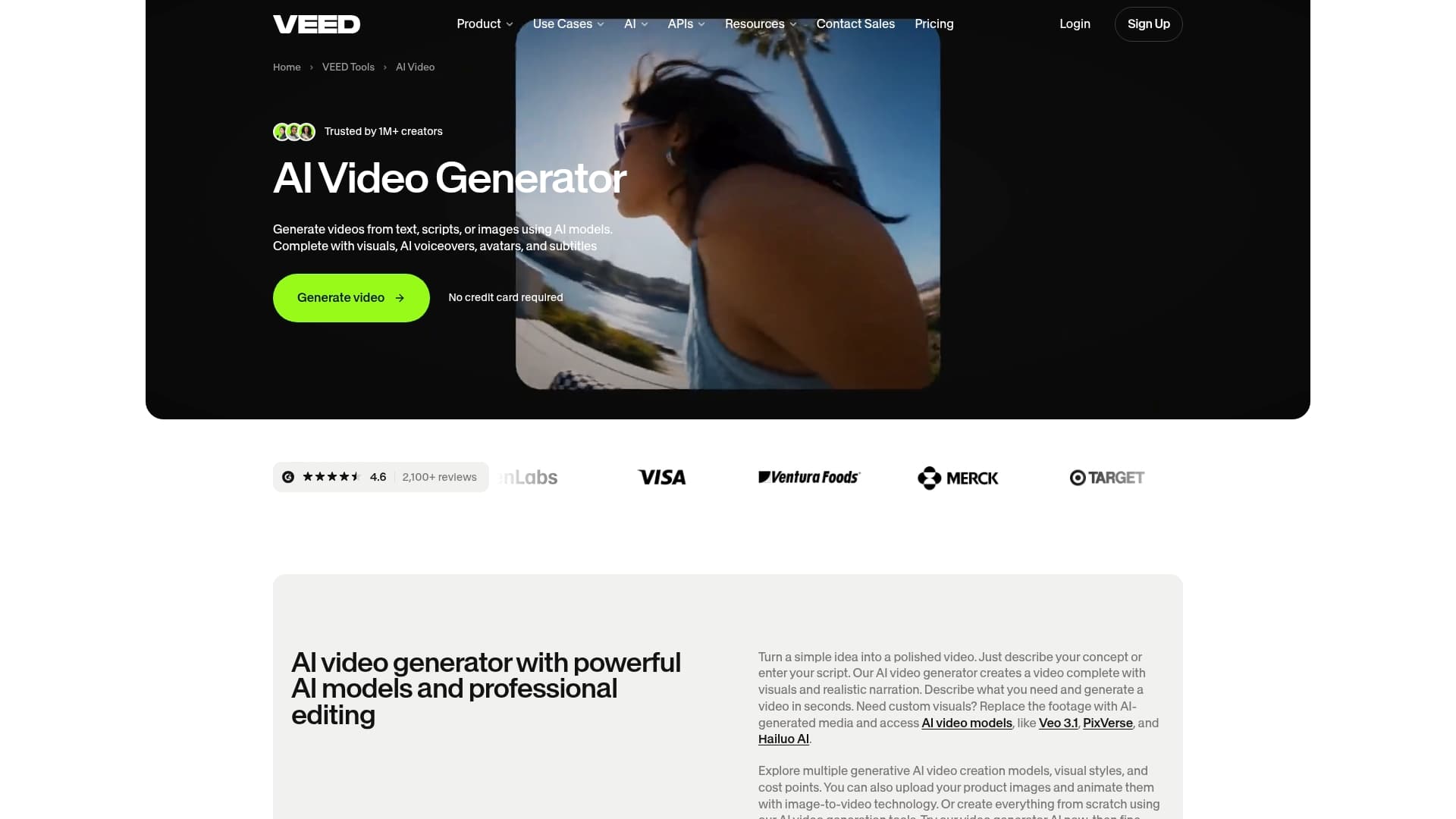
You can switch between multiple generative AI models inside a single project to produce different visual styles and quality levels. The tool combines text, scripts, or uploaded images to create video scenes with AI voiceovers, avatars, and subtitle generation. That mix targets social clips, ads, tutorials, and internal training videos for rapid turnaround.
Core Features
VEED lets you generate video from plain text, full scripts, or images and then refine each scene with editing tools. The editor adds AI voiceovers, animated avatars, and timed subtitles while allowing music, branding, and footage replacement with AI-generated media. Users can choose between several generative models to favor speed, style, or final quality.
Key Differentiator
VEED brings multiple generative engines and a traditional video editor into the same workflow, so you can prototype ideas and then polish them without switching apps. That combined approach shortens the gap between AI-first generation and fine-grained customization. The result is a single place to iterate from draft script to publish-ready clip.
Pros
The platform pairs model variety with professional editing so you can make raw AI output look intentional and branded. The editor supports captioning, music, and scene-level adjustments, which helps social teams keep a consistent format across platforms. Access to avatars and multiple voice options speeds production of voiceover-driven formats like tutorials and ads. API access and integrations appear available for more automated pipelines.
Cons
- Usage depends on AI credits, so frequent heavy generation can become costly on low-tier plans.
- The many model choices can overwhelm newcomers, creating a learning curve before consistent results arrive.
- Some advanced functions and higher-quality model runs appear restricted on free or entry plans.
- Buyers should confirm licensing terms for commercial distribution of generated media before publishing.
When It May Not Fit
If you need unlimited, heavy-volume generation without per-credit limits, VEED’s credit model may prove restrictive for large campaigns. Teams that lack experience with model selection will spend time testing to find the right style and cost trade-offs. Agencies that require strict, documented licensing warranties should verify terms before adopting VEED for client deliverables.
Who It's For
The tool fits content creators, social media managers, and small marketing teams that want faster video production without hiring external editors. It suits teams that value quick iteration and visual experimentation across short-form platforms. It also works for internal training teams that need narrated, captioned clips produced on a schedule.
Real World Use Case
A marketing team converts campaign scripts into thirty-second social spots by selecting a fast model, adding an AI voiceover, and swapping music and branding. The editor crops scenes for each platform and exports captions embedded for Instagram and TikTok. The workflow cuts agency editing time and keeps iterations in-house.
Pricing
VEED uses a pay-as-you-go credits model for AI generation. Pricing tiers, credit bundles, and exact quotas are listed on the vendor website and vary by plan and usage level.
Website: https://veed.io/tools/ai-video
Fliki
At a Glance
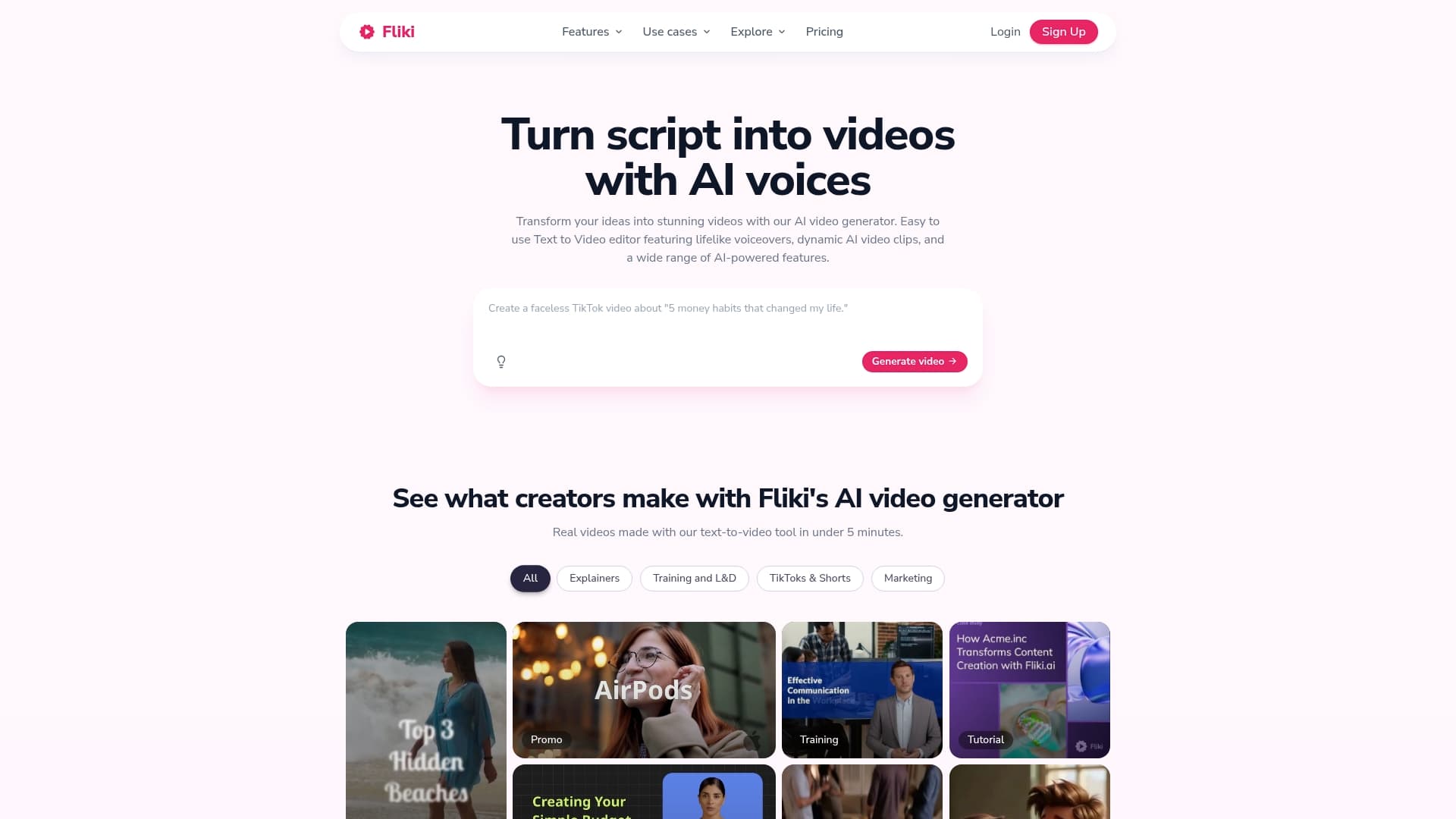
Fliki's marketing materials state it offers over 2,000 lifelike voices across more than 80 languages. The platform combines text to video, voice cloning, AI avatars, and captioning inside a single workspace. That mix targets creators who need multilingual video output without assembling separate tools.
Core Features
Fliki converts scripts, blog posts, and slides into videos that pair narration with matched visuals, captions, and music. The editor includes AI avatars and voice cloning alongside auto matched stock footage and AI generated visuals per scene. Burn in subtitles in over 100 languages and export presets for different social platforms are built into the workflow.
Key Differentiator
Fliki centers its product around depth of voice options and integrated voice cloning together with an editing suite. That combination means you can maintain a consistent spoken brand without sending audio to external vendors. The emphasis on language variety and avatar presentation sets the product apart from basic text to video tools.
Pros
The platform delivers a very large voice library and multiple dialect choices, which helps when you need localized narration at scale. The all in one workflow ties script, visuals, voice, captions, and exports into one place, so teams do not juggle several apps. Voice cloning and avatar options let you reuse the same presenter voice and persona across many videos, which improves consistency for recurring formats.
Cons
-
Customization limits for complex projects. Advanced editors report the platform can feel restrictive for fine grain motion or bespoke scene composition.
-
Visual matching can miss brand specifics. Auto matched footage may not align with niche brand assets or custom art direction.
-
Longer videos require extra manual polishing. For extended or heavily edited pieces, expect additional hands on work.
When It May Not Fit
Do not pick Fliki if you require frame level control or bespoke motion graphics for long form projects. Agencies that depend on exact brand visuals and asset libraries will find the automatic matching too blunt. Also avoid it when your workflow demands extensive manual grading or advanced timeline effects.
Who It's For
Solo content creators, small marketing teams, and educators who need fast multilingual video outputs will benefit most. People who prefer a single workspace for writing, voice, and export will gain time. Teams that prioritize repeatable presenter voices and quick subtitles fit the product well.
Real World Use Case
According to the vendor, a marketing team reduced ad production time from days to minutes by converting scripts into finished videos with Fliki. That team kept a single narrator voice across multiple localized versions while exporting platform specific aspect ratios. The result was faster turnaround for campaign tests and consistent messaging.
Pricing
A free plan is available for basic use. Paid plans unlock voice cloning, longer video lengths, advanced features, and commercial rights per the vendor.
Website: https://fliki.ai
BIGVU
At a Glance
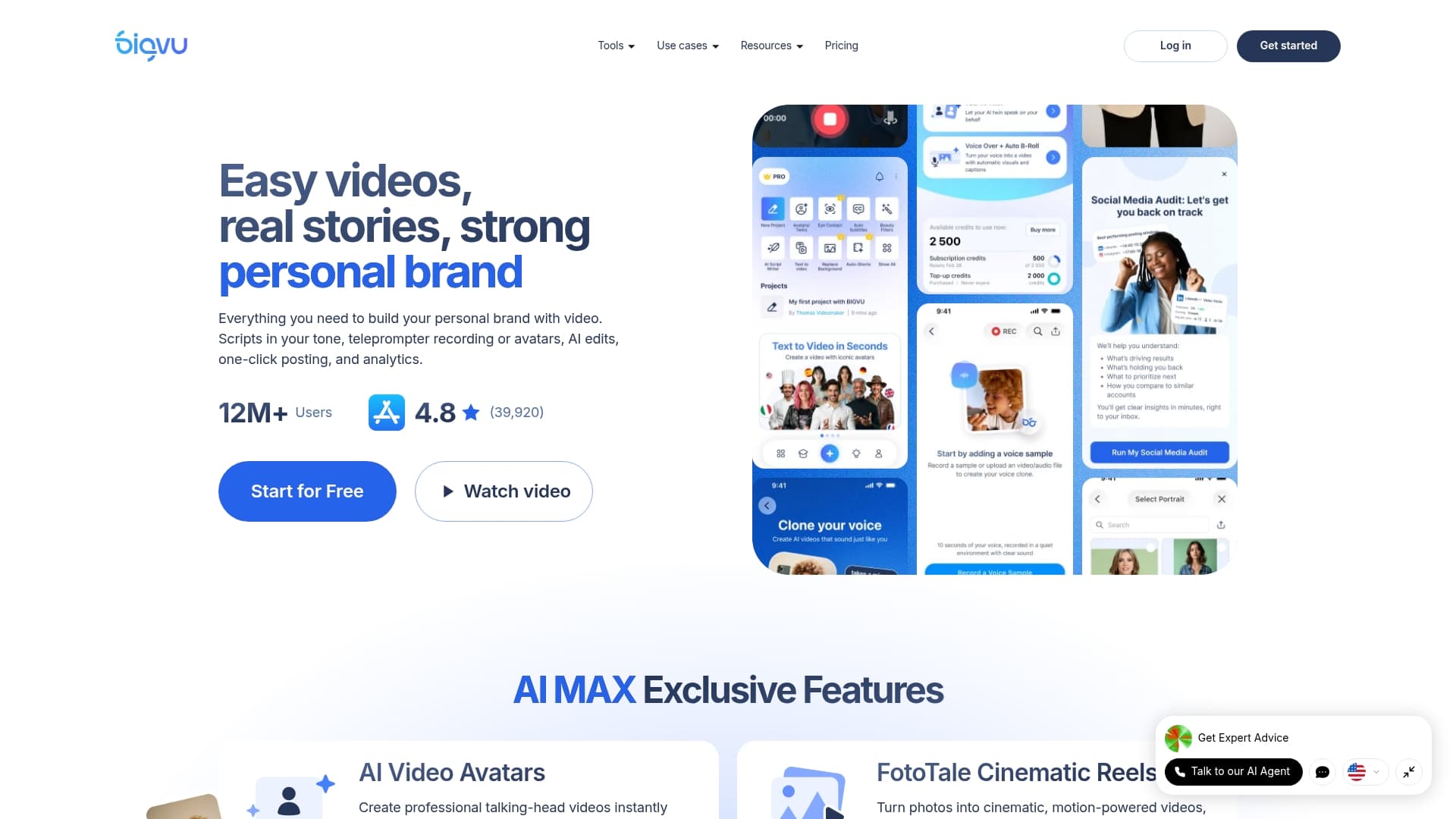
BIGVU reports a global user base of over 12 million users and a 4.8-star rating from nearly 40,000 reviews. The platform combines AI script writing, a teleprompter, avatar creation, and automated editing for social posts. Teams use it to produce short marketing and training videos without a full production crew.
Core Features
BIGVU bundles AI script generation with storytelling helpers and a teleprompter that supports adjustable speed and beauty filters. Auto editing applies captions, split screens, and brand elements while avatar creation supplies virtual presenters for on camera content. Social publishing and analytics let creators schedule posts and measure engagement from a single interface.
Key Differentiator
BIGVU stands out by combining advanced AI writing, avatar creation, and automated editing to deliver polished videos without a large production team. Its workflow stitches scripting, recording, and post production so creators do not switch between separate tools. That integration shortens the end to end production time for teams that publish multiple short videos each week.
Pros
The interface works for non experts and seasoned producers alike. Creators can record, edit, and publish from the same app, which speeds production for small teams. That user base and that rating suggest wide adoption, and the vendor advertises 24/7 customer support for account and workflow issues.
Cons
- Third party reviews are not detailed in the summary, so independent negative feedback is hard to find.
- Specific pricing figures are not included. You must view plans on the official website to see costs.
- Some advanced AI features require a learning period, which may slow onboarding for teams new to video automation.
Who It's For
Solo creators, small marketing teams, and sales professionals who need frequent short videos will get the most value. In house communications groups that produce training clips will benefit from the teleprompter and captioning tools. Small teams that want to scale social video output without adding a production crew will find the toolset useful.
Real World Use Case
A real estate agent uses BIGVU's virtual avatars and automated editing to produce property tour videos. The agent drafts a short script with the AI tool, records with the teleprompter, and lets auto editing add captions and branding. They then publish to social channels and watch engagement metrics in the built in analytics.
Pricing
See the official website for detailed plans and pricing. The summary does not include specific costs. Visit the pricing page or contact sales to compare available plans.
Website: https://bigvu.tv
revid.ai
At a Glance
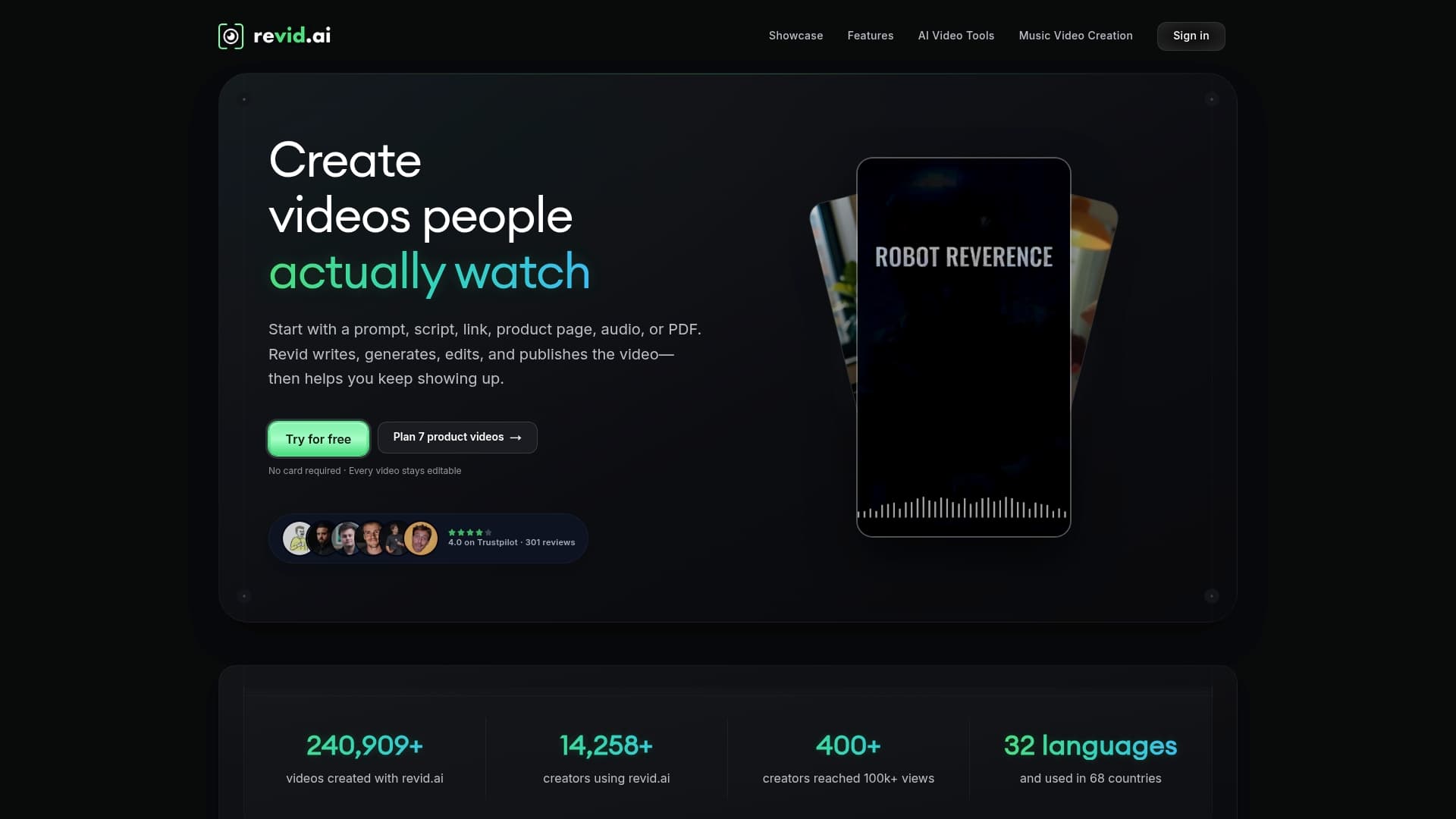
Revid.ai reports more than 14,000 creators use the platform. It combines text, articles, images, and music into social video outputs with tools that cover scripting through publishing. The platform also exposes APIs, an MCP server, and a CLI for programmatic pipelines and AI agents.
Core Features
Revid.ai generates scripts from text and prompts and builds scenes using visual models Veo3 and Sora2, then assembles them on a full timeline editor. The platform offers voice synthesis and cloning in 70+ languages, plus auto-captioning with caption presets and integrated AI or licensed music and sound effects. Developers get programmatic access through API, MCP server, and CLI to automate production and integrate with content pipelines.
Key Differentiator
The platform unifies creation, editing, publishing, and automation while giving programmatic access suitable for AI agents and developer pipelines. That combination supports both hands on creators and automated workflows that push content directly to channels. The presence of both a full timeline editor and developer tools makes it useful for teams that want a single system for manual and automated work.
Pros
End to end automation reduces manual steps by turning text and prompts into finished short videos. A broad kit of specialized tools and visual styles lets teams test different creative directions without switching apps. Programmatic access via API, MCP, and CLI supports continuous publishing and integration into content source systems. Ownership settings for generated media are customizable, which helps agencies and brands manage rights. Multi language voice support speeds production for international accounts.
Cons
- Advanced features come with a learning curve. Third party reviews note the platform can feel complex until teams adapt.
- Cost can rise with high volume model usage. Heavy use of advanced models may increase monthly bills.
- Cloud processing requires stable internet. Slow connections can delay render times and add friction for remote editors.
When It May Not Fit
Teams that need fully offline rendering or local GPU workflows will find this product a poor match because it relies on cloud processing. Small creators with very tight budgets and high output may face rising costs as model usage scales. Editors who want a minimal learning curve for basic trimming and captions might prefer simpler tools.
Who It's For
Content creators and marketing teams that must produce frequent short videos and want automation built into their pipeline will get the most value. Developers and AI teams that need API, MCP, or CLI access to orchestrate video generation fit well. Agencies that manage content rights and multi language campaigns will appreciate the ownership controls and voice options.
Real World Use Case
A marketing team feeds headlines and product copy into a content repo. Revid.ai’s API pulls entries, generates scripts, creates scene visuals with Veo3, adds voice tracks, and publishes drafts to social accounts. That setup reduces manual editing time and scales daily campaign output.
Pricing
Plans start at $39/month for the Growth plan with 2,000 credits and scale up to $199/month for the Ultra plan with 12,000 credits. Enterprise scale options are available for higher volume usage and bespoke needs.
Website: https://revid.ai
Storykit
At a Glance
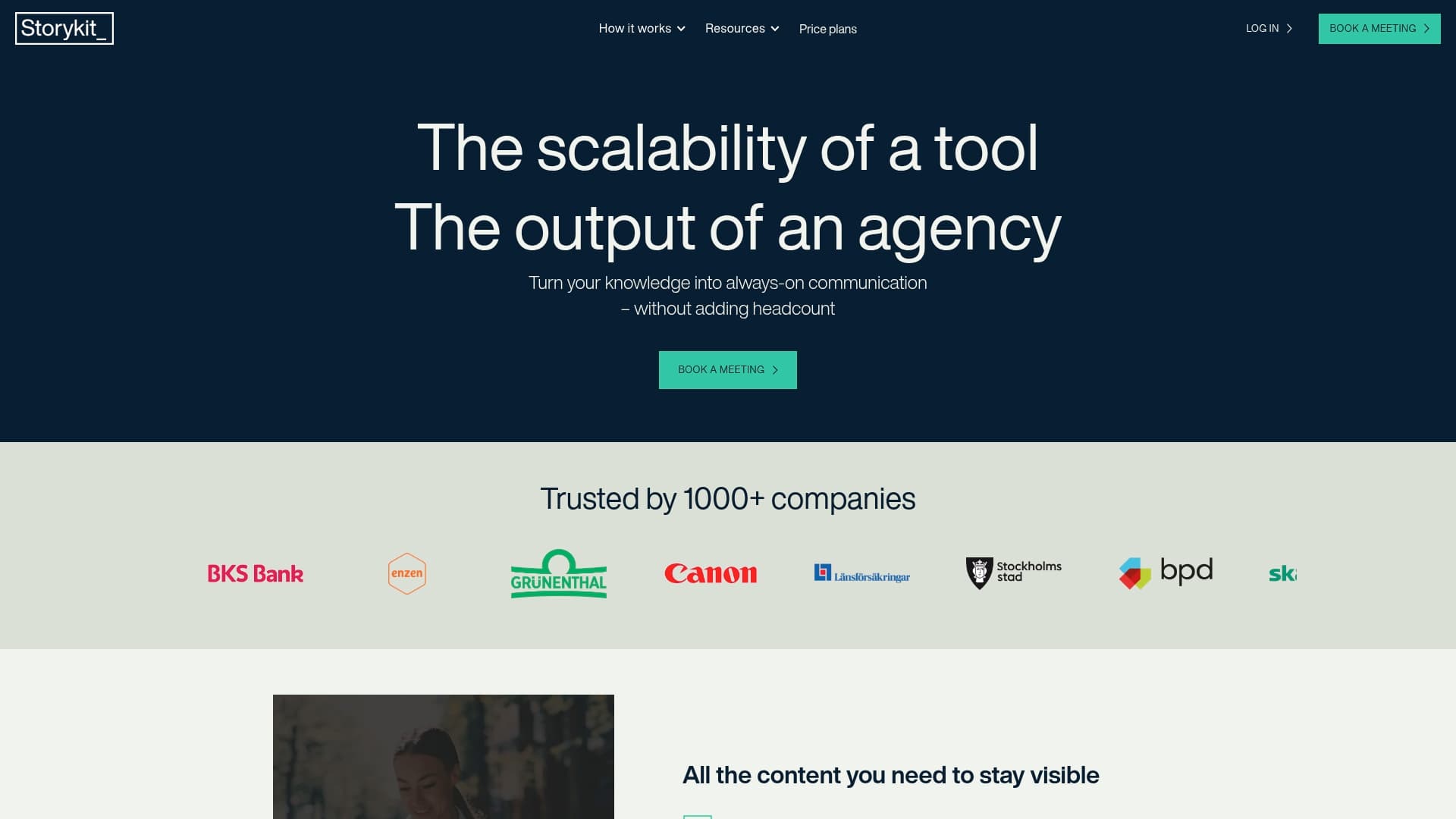
Storykit reports being trusted by over 1,000 companies. The vendor combines an AI native platform with editorial services to keep video output consistent without adding headcount. Storykit targets industries such as healthcare, energy, and media where brand governance matters.
Core Features
Storykit provides AI driven video content creation alongside content repurposing tools so teams can convert existing articles, presentations, and recordings into short social clips. The platform includes brand governance to maintain templates, colors, and messaging and automation connectors to publish videos across social channels. Scalability and collaboration features support multiuser workflows for distributed marketing teams.
Key Differentiator
The central differentiator is the pairing of AI and editorial expertise to automate production while preserving brand voice. That combination aims to replace ad hoc editing with repeatable templates and editorial oversight for on-brand video at scale.
Pros
Onboarding tends to be fast thanks to a focus on ease of use and quick setup, which helps teams start publishing sooner. Built-in collaboration and governance reduce approval friction by centralizing templates, review stages, and brand rules. The approach lets marketing teams increase video output while avoiding a proportional increase in headcount, according to vendor materials.
Cons
- Website content does not list detailed feature specifications, which makes feature-level comparisons difficult.
- Pricing is not publicly listed, so small teams may face uncertainty when budgeting for the service.
- Third-party reviews do not document clear limitations, leaving real-world edge cases and performance trade offs harder to assess.
Who It's For
Marketing teams, content creators, and agencies that need scalable video production and strict brand control will get the most value. Teams running always on social campaigns or repurposing large volumes of existing content benefit from the editorial workflow. Solo creators or very small teams on fixed budgets may find custom pricing unsuitable.
Real World Use Case
The vendor reports a marketing team cut production time by 50% while using Storykit to publish weekly video updates and social clips. That example shows how templates, editorial checks, and automated exports can replace much of manual editing and scheduling. The workflow suits teams that must maintain consistent messaging across platforms.
Pricing
Storykit does not publish pricing details on its website. The offering appears to follow custom or enterprise plans, so you will need to request a quote for an accurate budget figure.
Website: https://storykit.io
Comparison of alternatives
SwipeStory excels as a tool for creators seeking a unified platform to streamline short video production workflows. While alternatives offer unique strengths, SwipeStory's integration of script writing, styling, and publishing makes it distinctive in reducing manual workload and enabling fast turnaround.
Integrated Workflow Efficiency
SwipeStory is designed to handle all components of short video creation within a single platform, from AI-based script writing to direct publishing. This integrated approach reduces complexity and turnovers compared to competitors such as VEED and Fliki, where users may need to switch between tools for advanced editing or multilingual adjustments. Furthermore, this functionality is particularly valuable for solo creators and small agencies managing high content volumes.
Multilingual Video Adaptation
Fliki surpasses others in the domain of language support. Its ability to utilize lifelike AI voices across more than 80 languages and its delivery of automated captions in over 100 languages aid teams targeting localized campaigns. Given the globalized nature of digital marketing, this feature directly appeals to teams managing international content strategies by saving substantial localization time and effort.
Best fit
- Creators needing all-in-one workflows to produce short videos quickly will find SwipeStory's platform ideal for reducing manual editing and speeding production.
- Marketers requiring language support will benefit from Fliki's expansive voice library and localization capabilities, which streamline international campaigns.
- Teams prioritizing API and CLI access for automated video generation workflows should consider Revid.ai as it supports programmatic integration suitable for scaling automated campaigns.
Our pick
SwipeStory's strength lies in its streamlined integration, which simplifies workflows by combining script writing, styling, voiceovers, and publishing capabilities in one accessible platform. This makes it the preferred choice for creators and agencies aiming to maximize production efficiency without sacrificing quality. However, teams with specific needs like extensive language support or deep customization for API-driven processes might look toward Fliki or Revid.ai for tailored solutions to fit their workflows.
Leverage the following table to compare the capabilities of various AI-driven video generation platforms, focusing on core features and targeted user applications.
| Platform | Core Feature | Key Differentiator | Best For | Notable Limitation |
|---|---|---|---|---|
| Swipestory | AI script writing, visual styling, and cloud rendering | Centralized scripting, styling, and publishing tools | Solo creators and small teams | Limited detailed editing capabilities |
| VEED AI | Text-to-video with multi-model support | Integration of generative models with editing capabilities | Marketing teams needing fine-grained edits | Credit-based system can become costly for heavy use |
| Fliki | Multilingual voiceover and visual generation | Extensive voice options and voice cloning | Teams needing multilingual consistency | Limited complexity for advanced projects |
| BIGVU | AI scripting with teleprompter and automated editing | Combined scripting, recording, and captioning workflow | Social video creators | Pricing details not publicly available |
| revid.ai | API-integrated video generation tools | Automation support via API, MCP, and CLI | Developers and teams requiring integrations | Steeper learning curve for advanced features |
| Storykit | AI video creation with editorial governance | Templates maintaining brand consistency | Large marketing teams | Custom pricing may not suit small teams |
Choosing the right Frameloop.ai alternative for fast video production
Many content creators, marketers, and educators face challenges producing short videos quickly without juggling multiple tools. Swipestory solves this by automating scriptwriting, voiceovers, styling, and cloud rendering all in one platform. This cuts hours of manual editing and lets creators post engaging clips to TikTok, Instagram, and YouTube within minutes.
Swipestory offers:
- An intuitive interface requiring little technical skill
- Customizable captions and visual styles like anime or Pixar
- A credit system that keeps monthly output predictable
See how thousands of users have already generated over 60,000 videos at Swipestory. Visit Swipestory to try a faster, simpler way to deliver short video content on your preferred social platforms.
FAQ
How does Swipestory handle script writing for AI-generated videos?
Swipestory automates script writing, making it easy for creators to focus on content. This feature allows users to quickly generate scripts, which is supported by its ability to create over 60,000 short videos. Expect to save time on content creation with this automated capability.
What is the difference between Swipestory and VEED?
VEED excels in offering multiple generative AI models within a single project, allowing for various visual styles and quality. In contrast, Swipestory prioritizes an all-in-one approach by handling scripting, voiceovers, styling, and publishing in one platform, which simplifies the workflow for creators looking to produce quick and cohesive videos.
Can I use Swipestory for multilingual video output?
Swipestory focuses primarily on generating video content efficiently but does not emphasize multilingual capabilities as some competitors do. If multilingual output is a critical need, consider exploring alternatives specifically designed for multilingual support.
How does Swipestory's credit model work for video generation?
Swipestory employs a credit model for its video generation, which helps small teams manage costs based on how much they produce. This allows users to predict their monthly output without unexpected fees, making budgeting easier for creators.
How quickly can I publish videos using Swipestory?
Users can produce and publish short videos in minutes with Swipestory due to its fast cloud rendering and integrated publishing tools. This quick turnaround allows creators to keep up with fast-moving trends and demands for content on social media platforms.